

DesignOps used to be about building process around scarcity. With AI, it's about building judgment around abundance: choosing which tools actually help your team, and which ones quietly cost more than they save.
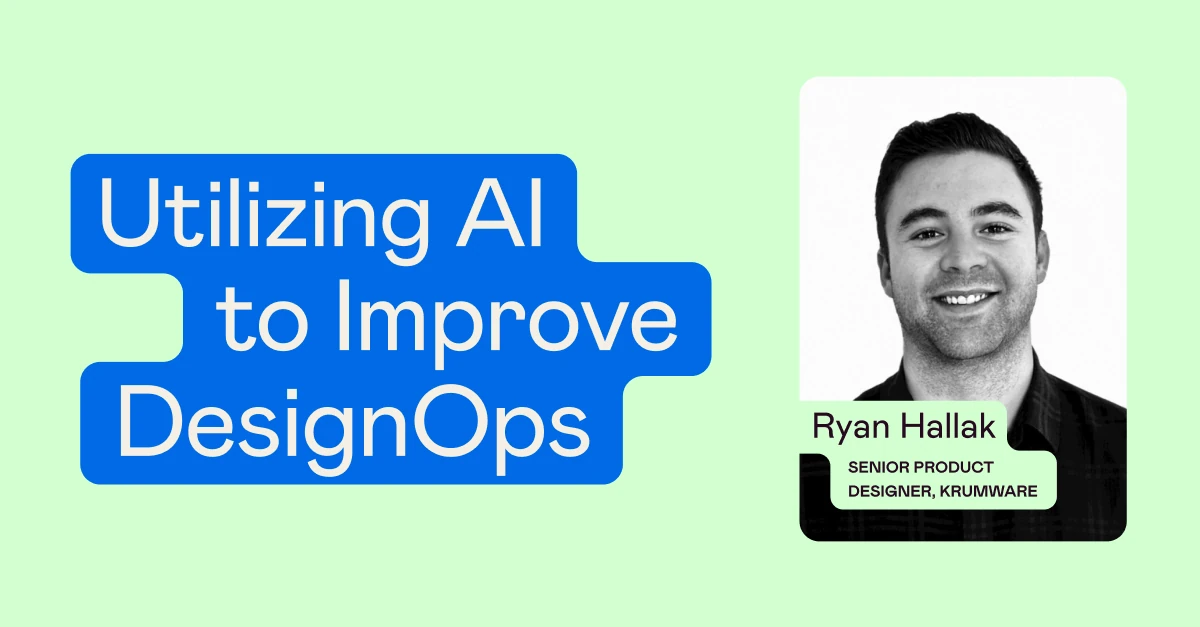
That was the core message of our recent live event, Utilizing AI to Improve DesignOps, led by Senior Product Designer Ryan Hallak. Ryan shared where AI fits across design operations, the hidden costs of adopting it, and a simple framework for deciding which tools are worth it.
Watch the full recording below, then read on for a recap of the talk.
Meet the speaker
Ryan Hallak is a senior product designer at Krumware, where he consults with design teams to improve their operations and build design systems. He has designed products since 2018 across B2B and B2C, including healthcare, financial and AI products, and has built several design systems from scratch.
DesignOps is every designer's job now
DesignOps has always been about getting designers' time back. It was once a managerial role, but Ryan argued that every designer now manages "a team of little AI agents," and has to balance them with the human side of design. That makes DesignOps relevant to junior designers too, and even to those just entering the field.
Where AI fits, and where it doesn't
Ryan mapped the core areas of DesignOps by how much AI should be involved. People and teams, like hiring and onboarding, should stay the most human. AI can do the most to support process and workflows, design systems and documentation, research synthesis, and measuring impact. In regulated industries like healthcare or finance, some areas may be off-limits to AI entirely.
He also warned about the hidden costs of new AI tools: budget, steep learning curves, team frustration, QA issues and lower product quality. Choosing the right tool avoids most of them.
The AI adoption matrix
To decide what to adopt, Ryan rates each tool on impact and ease of adoption:
- No-brainer (easy, high impact): often AI features in tools you already pay for, like Figma AI.
- Investment (hard, high impact): research these carefully and talk to your team first.
- Experiment (easy, low impact): worth a few hours of limited risk.
- Stay away (hard, low impact): costly in time or money, without filling a real gap.
The matrix is a guide, not the answer. Ryan suggests revisiting it after a tool is in use, since a no-brainer can turn into an investment once training takes longer than expected.
Rolling out a new tool
Ryan's four steps: investigate with a pilot on one person or project, onboard with real training so everyone uses the tool the same way, integrate it into existing workflows and documentation, then evaluate whether to scale it, change it or drop it. And roll out one tool at a time. "Think about implementing AI tools to your design team almost as if your designers are users."
To measure success, go beyond the numbers. Ryan finds the most honest feedback comes from casual conversations, not from asking, "We spent $5,000 on this tool, how's it working?"
Want to dive deeper into AI design skills? Check out all our courses for experienced designers.
For additional design talks and workshops, visit our Events page.