

Most people use AI the same way: ask a question, get an answer, and go back and forth until it's right. But for work you do again and again, there's a better approach, and knowing when to make the switch is the real skill.
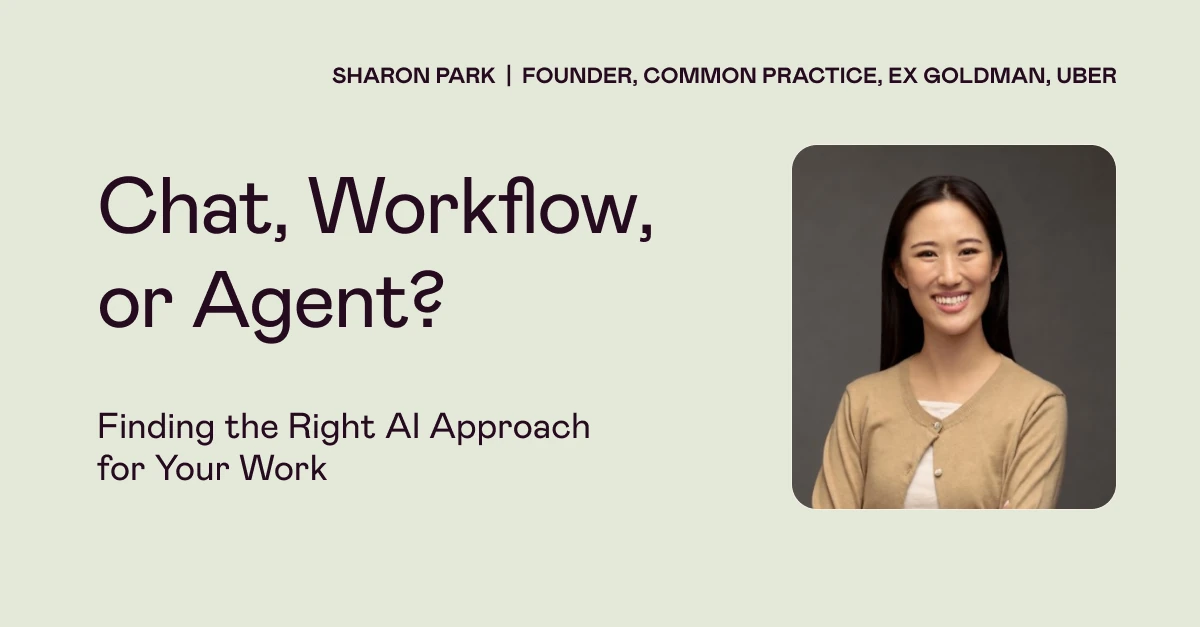
That was the core message of our recent live event, Chat, Workflow, or Agent? Finding the Right AI Approach for Your Work, led by AI adoption advisor Sharon Park. Drawing on real implementations, Sharon shared how to tell which level of AI autonomy a task needs, plus a simple scaffold for building workflows and agents, with a live demo.
Watch the full recording below, then read on for a recap of what was covered.
Meet the speaker
Sharon Park is the founder of Common Practice, where she advises organizations on AI adoption. She has led AI implementation at companies ranging from small startups to Fortune 50 companies and government agencies, and previously worked at Cruise, Uber and Goldman Sachs.
Chat, workflow or agent?
Sharon opened with a story from a client whose research team used AI to find nonprofits that fit its funding criteria. Every search turned into a long back-and-forth, like managing a new intern who checks in every two minutes. The criteria were buried in chats, and each person prompted differently, so the same search produced different results. Saving examples of good work, having the AI propose a plan for approval, and having a human review the shortlist made the results faster, more accurate and consistent across the team.
She described three levels of handing work to AI:
- Chat: you ask, it answers, you decide what's next.
- Workflow: you define the steps once, and they run the same way every time, like a recipe.
- Agent: you hand over an outcome. The agent plans its own steps based on what it finds, and you check in at set points.
More autonomy isn't always better. For work that needs to be consistent, you may want to prescribe the steps yourself.
When to move beyond chat
A task is ready for a workflow or agent when it shows four signals: you do it repeatedly, it draws on the same kinds of inputs, you can describe a good output, and you can explain the judgment calls you make. Repetition and a predictable output are the strongest signs.
If you stay in chat, Sharon's favorite trick is simple: end your prompt with "Ask me clarifying questions." As models get smarter, perfect prompt wording matters less than including what's critical.
The four-part scaffold
Before building any workflow or agent, define:
- Outcome: what a finished, good result looks like.
- Inputs: the data, context and examples of good work it needs, and why they're good.
- Repeatable steps: what you'd do by hand, written as clearly as instructions for a new hire.
- Judgment and review: which calls can become rules (like "only use news from the past seven days") and which stay with a person, such as anything going out the door or a final hiring decision.
In a live demo in Claude, Sharon built a weekly AI news scan for a fictional design agency. She stored stable context in a project and linked living docs so they stay current, then turned her steps into a reusable skill that can run on a schedule. "If you cannot explain it to another human being, the AI will not be able to understand it with the precision that's in your head."
To turn a workflow into an agent, keep the same context, describe the goal instead of the steps, and ask it to show you its plan before it starts.
Want to go deeper? Designlab's AI Agents for Work course, led by Sharon, is an in-depth 4-week course for knowledge workers, where you'll learn to build your own AI agent based on your real job.
Check out additional design talks and workshops on our Events page.