.webp)


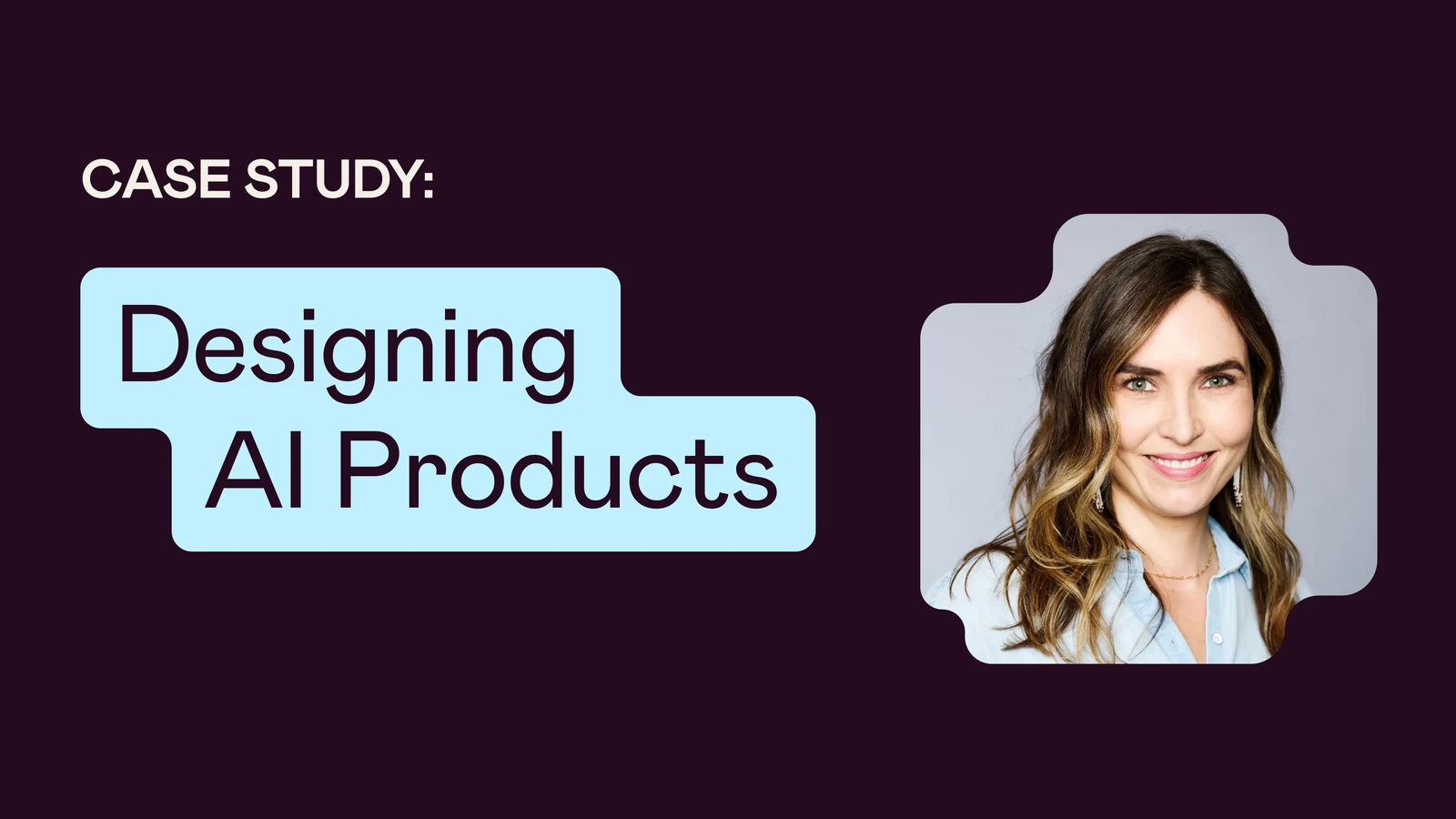
HubSpot Senior Product Designer Karla Ruiz designs products for fintech customers alongside product managers and engineers, and her team has no shortage of AI tools at their disposal — Claude, Gemini, Lovable, and more have become a part of the team's toolkit.
"Right now, with all the AI tooling that's out there, we're very much still in the exploratory phases of how to leverage AI to its ultimate potential — where we can save time and spend more time on the things that actually require our attention.”
As AI tools earned a bigger place in product development, HubSpot encouraged its designers to become more technically fluent — to understand not just the outputs AI can generate, but the workflows that turn ideas into working software.
Rather than trying to keep up through trial and error, Karla wanted a structured way to learn. After her manager recommended Designlab's Vibe Coding Camp, she enrolled alongside three other designers from her team.
Unlike courses focused primarily on prompting or AI-assisted design, Vibe Coding Camp teaches designers how to build functional applications using AI development tool stack including the likes of Claude Code,Figma MCP, Supabase, and Vercel. Over four weeks, students learn to move from designs to working software while gaining familiarity with development workflows like planning, debugging, deployment, and iteration.
Over the course, Karla learned how to speak engineering's language and built the technical confidence to navigate a discipline where the line between design and development keeps moving.
Learning Development Workflows
Before taking the course, Karla was already experimenting with AI but wasn't sure where to focus her efforts with AI coding tools. Leadership was encouraging designers to get familiar with repositories, contribute small front-end changes, and understand the technical side of product development.
"I feel everyone is super far ahead in AI, and I wanted to better understand what other designers are doing and how we are approaching AI tooling in our own workflows."
One core takeaway for Karla: spend more time planning before asking AI to generate solutions. "I think there's value in planning and then kind of chunking it out." Rather than thinking of AI-assisted development as prompting and relying on one-off prompts, she began to think more systematically. She learned the entire process, from planning to prompting, development, testing, debugging, deployment — and where designers fit into all of it.
I wanted to better understand what other designers are doing and how we are approaching AI tooling in our own workflows.
Building Confidence in Code
Karla’s career has always centered on product design, but she also studied computer science in college in an effort to understand web development. While Vibe Coding Camp didn’t require students to have pre-existing experience with code, Karla brought along some underlying knowledge to the course. Yet, AI-assisted development was still unfamiliar to her.
"From my perspective, playing with the terminal is a little spooky. If I do something and it crashes, I don't really know what I did or why I did it. That was what was really insightful for me.”
Throughout the course, Karla began using AI to generate code, but just as importantly, to explain concepts, troubleshoot problems, and learn how the systems worked as she built.
Karla appreciated how course instructors Blake Arnsdorff and Jacques Debeuneure approached teaching the concepts. Rather than expecting students to memorize commands, they demonstrated the workflows live and encouraged students to engage in an ongoing dialogue with Claude to deepen their understanding of the logic.
One shift in mindset for Karla came from treating AI-generated code less as an answer and more as a draft. Rather than assuming what Claude produced was correct, Karla learned to inspect it, test it, and iterate — using previews, debugging tools, and conversation with the model to understand why something worked before moving forward.
Some of the most challenging moments came later in the development process. As projects became more complex, Karla found herself working through JavaScript errors, troubleshooting unexpected behavior, and figuring out why code that looked correct wasn't behaving as expected. Rather than feeling discouraged, she found those moments valuable. Working through bugs alongside the instructors and learning how to use Claude to reason through the problems gave her confidence that she could navigate technical roadblocks going forward.
Ultimately, Karla liked seeing how products move beyond design into production, and getting hands-on with the process gave her a clearer picture of what happens after a design leaves Figma.
"Learning how to actually do it, end to end, was really nice."

Faster Iteration with Figma MCP
One of Karla's favorite discoveries was learning to use Figma MCP to turn designs into code. Before the course, she assumed it functioned mostly as a read-only connection between Claude and Figma. Instead, she learned to use it as an active part of her design workflow.
"I was able to prototype and iterate faster on some of the projects that I was working on."
She put the technique to work right away on an internal redesign project. The page contained a significant amount of product and legal content that would normally have required manually rebuilding screens in Figma. Instead, she used Claude to analyze the existing page, extract the structured content, populate a Figma template through Figma MCP, and quickly generate prototypes she could iterate on.
The workflow dramatically reduced manual effort and made it easier to prepare designs for production.
Upskilling and Empowering the Design Team
Karla took the course alongside three of her teammates. The group met weekly to compare workflows, discuss what they'd learned, and troubleshoot problems together.
"We were bouncing around ideas and troubleshooting together when things weren't working."
Those conversations reinforced the material and made it easier to bring new AI skills back into their day-to-day design practice. The team’s ultimate goal is for the designers to feel empowered to contribute changes to a project without it disrupting the development process.
"It’ll be interesting to see how it all culminates together. I'm optimistic we'll find a way to balance everything. But right now we're just diving in and exploring."
With AI tooling, I think there is a benefit to the design process and flow. I'm optimistic we'll find a way to balance everything. But right now we're just diving in and exploring.
Designing Through Change
As Karla applies what she's learned, she's seeing broader shifts across product teams. Designers are making small code contributions. Product managers are prototyping ideas with AI before bringing them to design. Engineers and designers are collaborating differently than they were a year ago.
"It's hard for me to picture what our workflows are going to look like a year from now with that crossing over."
But she doesn't believe AI erases the need for collaboration. After experimenting with code changes herself, she found that even simple edits can ripple across larger systems. Karla instead sees technical AI skills as a way for designers to become stronger collaborators.
That's ultimately why Karla enrolled in Vibe Coding Camp. She wasn't trying to become an engineer. She wanted the technical understanding to participate confidently in a product development process that's rapidly changing for HubSpot.
For Karla, Vibe Coding Camp helped her develop the confidence to understand how modern AI-powered products get built, work more fluently with engineering partners, and expand her skillset as a designer.


.webp)