


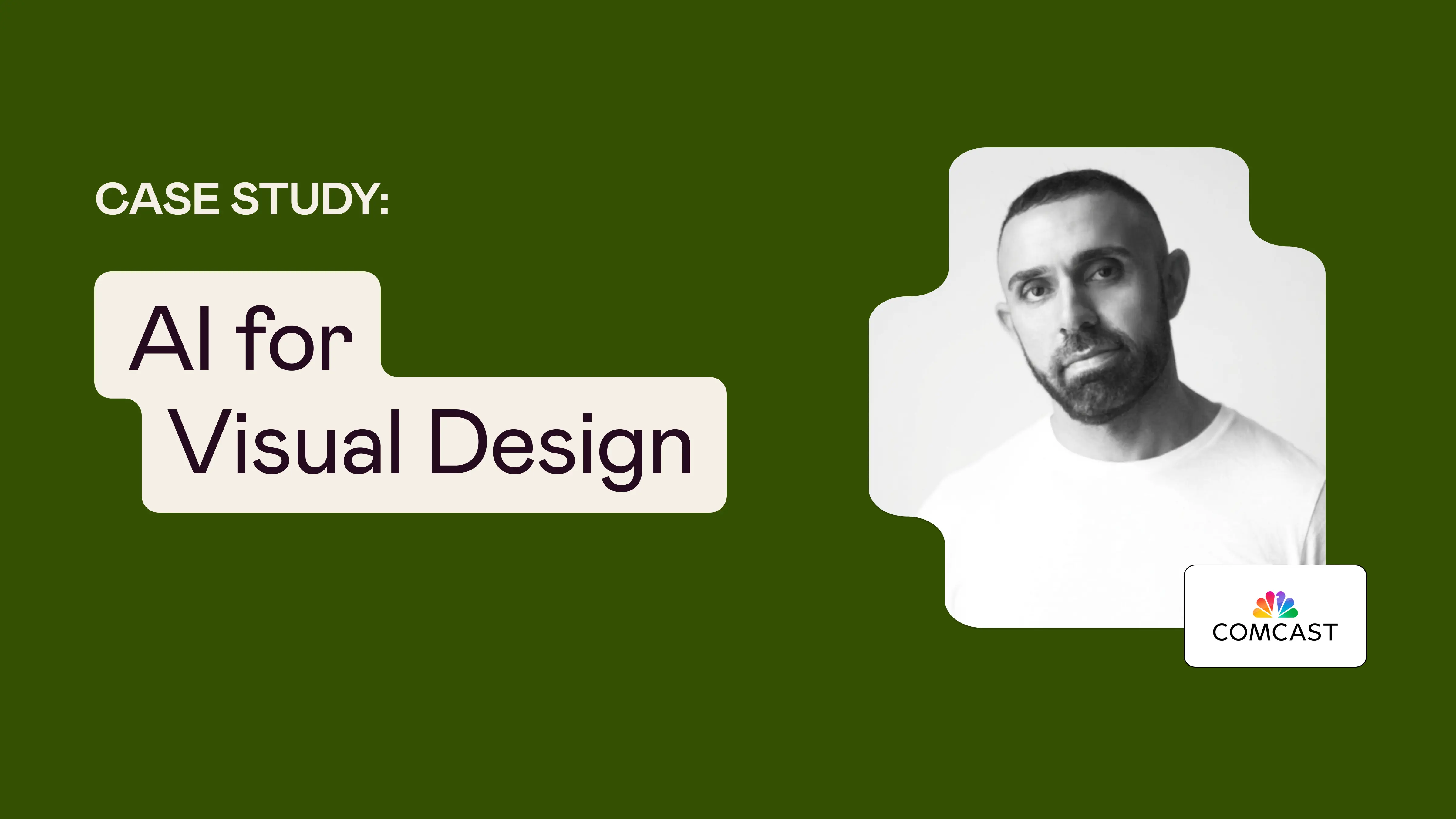


Hezi Imbar has spent four years at Comcast designing web experiences for Xfinity customers—the billing pages, product settings, and account management tools that people interact with every day. His background is in UI, and that's where his passion lives: the craft of visual design and the details of a well-built interface.
But over the past couple of years, friends and colleagues were talking more and more about Midjourney, Gemini, and a growing constellation of AI tools. Hezi didn’t have much experience with AI, and the gap between where he was and where the industry seemed to be heading was starting to worry him.
"I got really stressed because I kept hearing about all these tools," he says. "I was missing so much. I needed to take a course that would give me a general idea [of all of it].”
That instinct led him to Designlab's AI for Visual Design course.
I kept hearing about all these tools, and I was missing so much. I needed to take a course that would give me an idea of everything.
Understanding What’s Possible With AI
Hezi's goals coming into the course were fairly broad. He wasn't looking to master any single tool, but he wanted simply a structured way to understand the AI landscape and its possibilities for visual designers.
What he didn't anticipate was walking away with a concept that reframed his relationship to AI tools.
Throughout the course, Hezi learned to manage multiple AI models within a single environment, the orchestration platform Flora. Learning to work within Flora didn't just add a tool to his toolkit—it gave him a mental model for working with AI altogether.
"It’s like I'm the creative director and AI is my tool," he says. "That's how I'm thinking about incorporating this into my resume: creative direction with AI."
This perspective captures the value the course gave Hezi: not just how to use AI tools, but how to command them for more consistent results.
I'm the creative director, and AI is my tool.
Orchestration as a Superpower
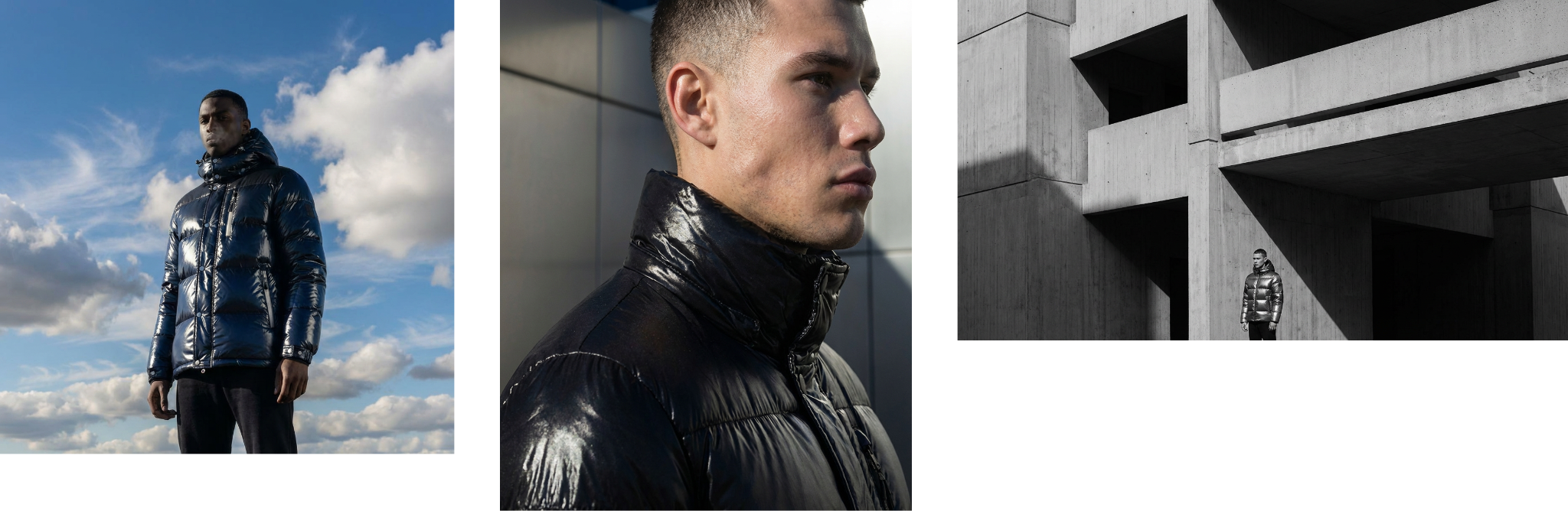
The most valuable skill Hezi took away from the course was orchestration—the ability to move fluidly between image generation, video, and other AI tools within a single workflow.
"I know there are image tools, there’s text, there’s video…Here, I did it all. The fact that I learned to orchestrate all of them in one place—that was the best skill."
He put this skillset to use almost immediately. Back at work, his team needed an animated hero banner, but the brand team had only delivered a static image. Rather than waiting for a custom motion asset, Hezi took the image into Flora and used prompting to bring it to life.
"I presented it, and everybody was super happy," he says. "I had shown them what was possible."
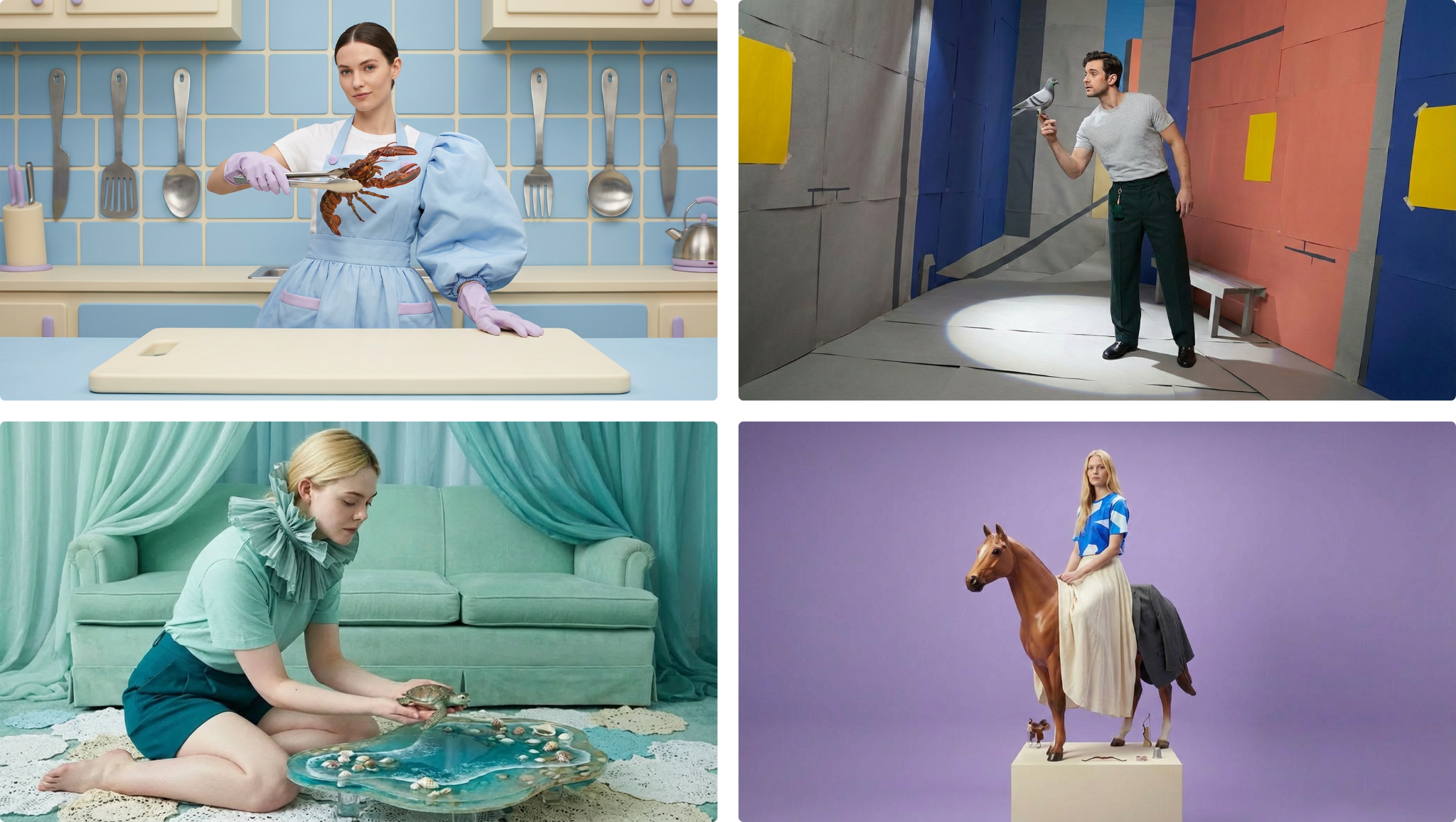
Hezi also turned his final course project into a complete case study, which he presented to his leadership team to show the power of AI tools and why they should have a place in Comcast's design workflow.
The course didn't just teach him new skills; it gave him the proof and confidence to advocate for a modernized workflow in his organization.
[My work in the course] demonstrated that professional AI work isn’t just about knowing how to use individual tools. It’s about designing systems that make those tools reliable, strategic, and scalable.
Curiosity and Continued Learning
For Hezi, the most unexpected outcome of the course was a mindset shift. The stress that had been building for months and the feeling of falling behind dissipated.
“It opened my mind to more—I want to learn more."
That shift from anxiety to curiosity is, in many ways, the clearest measure of what the course delivered. Hezi came in wanting to close a gap, and he left with a foundation, a workflow, and an appetite to keep building.
He's already exploring what's next—including potentially taking Designlab’s AI for UX Design course to go deeper into prompting and the human-judgment side of AI-assisted design.
Empowering Design Decisions Beyond the Course
Hezi's story shows that for experienced designers who feel overwhelmed by the pace of AI development, the goal doesn't have to be mastering every tool.
Creative exploration, staying rooted in design fundamentals, and leading AI conversations at work will keep designers in the director's chair, no matter how the tools evolve.
That's the mindset Hezi left with. “I achieved a lot. Now I feel like I have a stronger idea of all of it.”


.webp)



.webp)


