


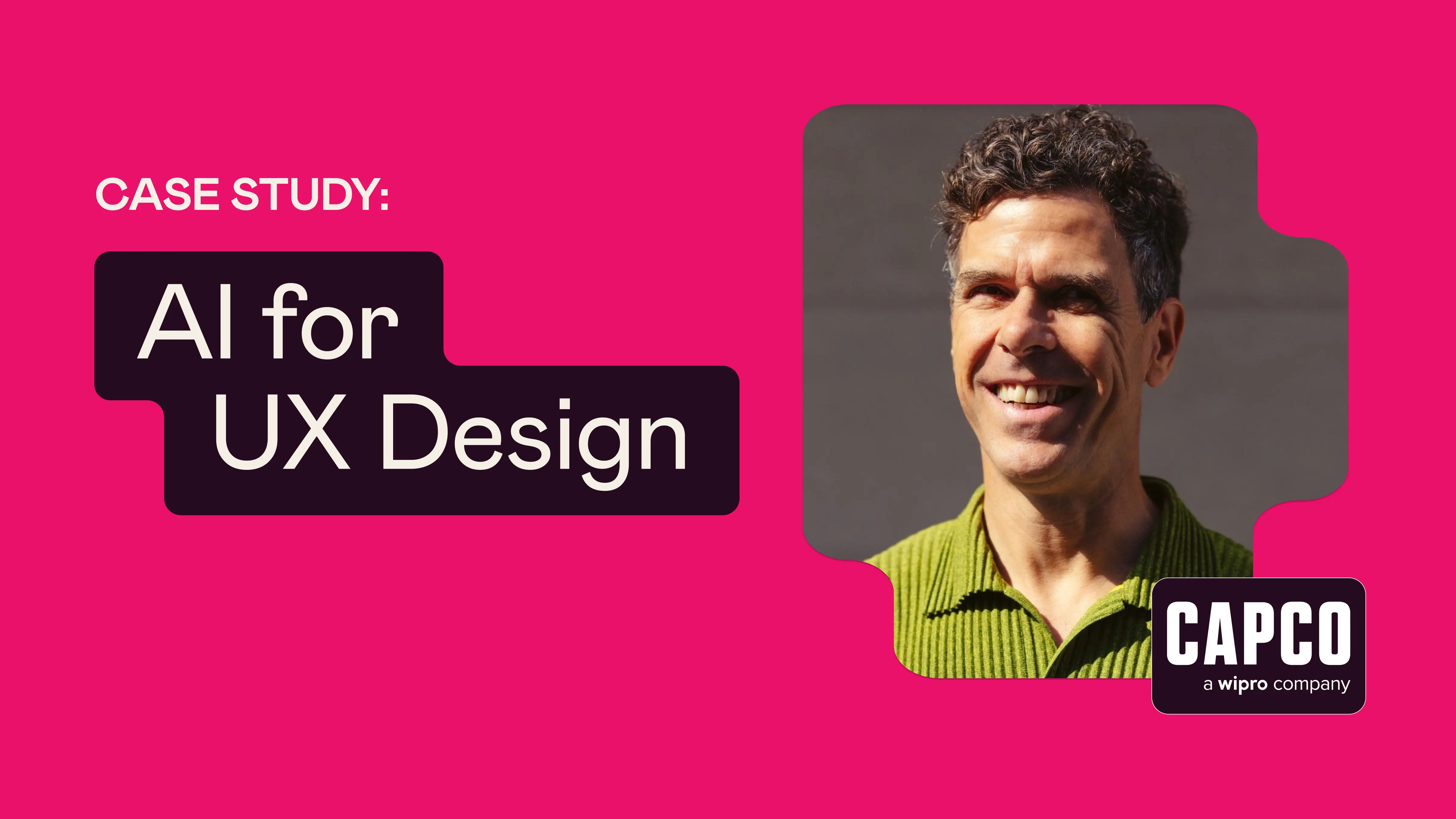


Markus Hohl leads the Experience Design team at Capco, a global technology consultancy specializing in financial services and energy industries. As part of a 45-strong product and experience team based in the UK, Markus and his team had begun exploring how AI might support their design work and broader workflows.
Working in the financial industry meant that the use of AI tools was regulated. While some designers were experimenting with tools on their own, experience levels varied widely across the team.
To build more consistent knowledge across the team—and deepen his own understanding as a leader—Markus enrolled in Designlab’s AI for UX Design course.
Upskilling a Design Team in a Regulated Environment
Working in financial services brings unique constraints when experimenting with new technology. Even though Markus’s team had access to ChatGPT and tools like Figma Make, other AI platforms remained off-limits, preventing designers from experimenting and upskilling on their own.
The organization wanted teams to demonstrate progress in AI skill development, but project deadlines and a lack of confidence in AI tools created barriers to adoption.
“ So if I need to create a slide deck and I've got an hour and a half to do it…if I knew how to use the AI, I'd probably be done in 20 minutes. But I don't, so I have to play around, and I might spend 45 minutes and get no results, and then have to start over again. So that leads to people not actually trying it at work.”
Structured learning offered a way to reduce that friction. By investing time in formal training, Markus hoped to build confidence with AI tools and help his team feel more comfortable incorporating them into real workflows. “I don’t know what I don’t know. So I needed to just wisen up on general AI knowledge.”
You're not sure what you're gonna get out of the AI if you're not 100% sure how to use it. So these courses have broken down that inhibition barrier for people to use it and play around more.
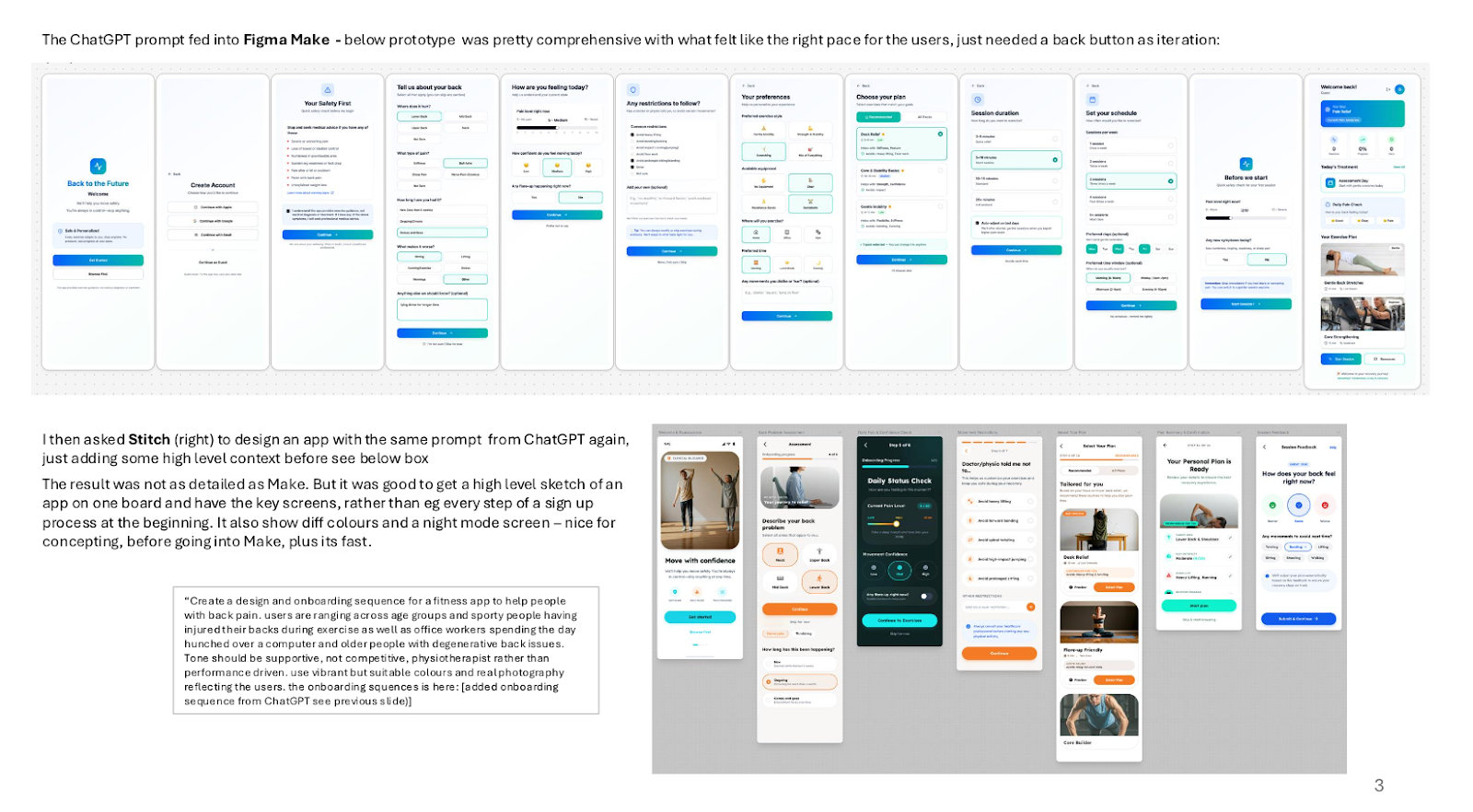
Exploring the Expanding AI Tool Landscape
Markus entered the course not as a UX designer, but primarily as a service designer and team leader. While much of his own work focuses on strategy and customer journeys, many members of his team work deeply in product and user experience.
That made understanding the expanding AI tool ecosystem particularly valuable.
“I wanted to know, what do we need as a UX design team in terms of tools? There are so many tools now—it changes constantly.”
The course introduced him to platforms he hadn’t previously used, including tools for:
- AI-assisted research and synthesis
- Concept generation and ideation
- UI exploration and prototyping
- Presentation and storytelling
Even when tools were behind paywalls or unavailable in his work environment, seeing them demonstrated helped Markus understand what was possible and how similar workflows might translate to the tools his team could use.
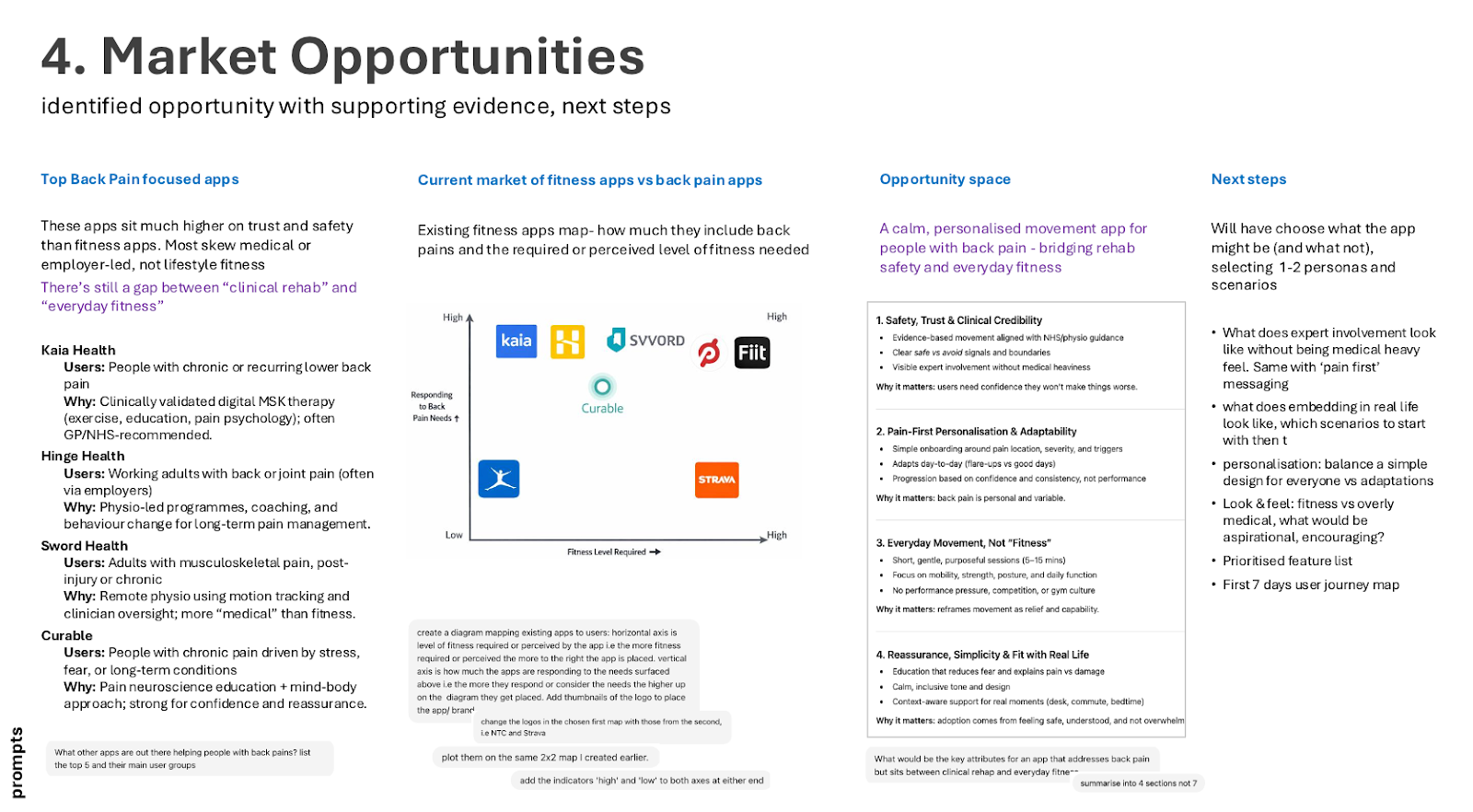
Learning Through Hands-On Demonstrations
One of the most valuable aspects of the course for Markus was the practical teaching style used in the live lectures, led by course creator Chrissy Welsh.
Instead of polished demos, the sessions walked through real prompts and workflows—including mistakes and troubleshooting.
“The sessions were excellent because they were very pragmatic,” Markus says. “She really shows you how to do stuff—and stuff goes wrong. It’s real examples.” That transparency helped students better understand how AI behaves in practice.
The mentor-led group sessions reinforced this hands-on approach. Led by Designlab mentor Matthew Schneider, the sessions focused on experimentation, peer discussion, and practical exercises.
Students tested prompts, compared outputs, and explored how different tools produced different results, even when starting with the same instructions.
“Everybody used their favorite systems, and [you could] see what they came up with. Even the same prompt created vastly different results for different users depending on how they used [the tool]. So these exercises were really good…and the dialogue was good.”
Just as importantly, students discussed how to apply these workflows within the constraints of their own organizations—whether that meant working with restricted toolsets, adapting outputs to existing systems, or experimenting with AI outside their core design tools.
Understanding AI’s Potential—and Its Limits
An unexpected outcome of the course for Markus was the shift in how he thinks about AI in everyday work.
Spending four weeks actively experimenting with AI tools expanded his perspective on where AI could provide leverage—not just in design tasks, but across many parts of the workday.
“It permeates your way of thinking,” he says. “So you go back to work, and in everything you do, [you think], ‘Why don’t I use AI for that?’”
This perspective was useful since Markus’s role focuses heavily on strategy, systems thinking, and service design. The AI workflows he explored in the course translated easily into tasks like research, updating documentation, analysis, and internal communication.
The course also reinforced an important reality about AI tools: meaningful results still require time, experimentation, and practice.
“There’s no solution where, overnight, it’s ta-da! Now I’m a master. AI is a bit deceptive because very quickly you get an amazing result, but it’s [actually] super hard, so you need to invest a lot of time in getting it right.”
Markus is particularly interested in seeing AI tools evolve to better support areas of service design, such as journey mapping.
Ultimately, the course provided what he needed to move forward: structured learning, hands-on experimentation, and a clearer understanding of how AI can support both his own work and his team's continued development.
Interested in learning how to integrate into your UX/product design workflow?We encourage you to check out AI for UX Design, Designlab’s popular AI course for UX and product designers. We also offer custom training for upskilling design teams.


.webp)


.webp)


