





You have an idea. You can picture exactly how it works, what it looks like, who it helps. The only thing standing between you and a working version of it is… every line of code that's ever been written. Until pretty recently, that was a real wall. The fix was hiring a developer, learning to code yourself (good luck fitting that into a Tuesday), or adding it to the graveyard of Notion docs labeled "ideas."
Vibe coding flipped that. The term was coined by Andrej Karpathy in early 2025 — the idea that you could describe what you want in plain English and let an AI handle the actual code. By 2026 it was the Collins English Dictionary's 2025 Word of the Year, Lovable had hit $100M in ARR in eight months, and there's now an entire genre of books and courses — including one specifically for product managers — about non-developers shipping real products without ever learning traditional programming.
This guide is for those people. The designer who wants to prototype a real working app instead of a clickable Figma file. The PM who's tired of waiting six sprints for an internal dashboard. The marketer who wants a campaign microsite live by Friday without filing a ticket. Developers use these tools too, and we'll mention that where it's relevant — but the heart of this guide is how non-developers are actually getting things shipped.
One thing worth flagging up front: there are essentially two paths non-devs are taking in 2026, and both are legitimately "vibe coding." The first is the chat-and-canvas path — tools like Lovable, Bolt, and Figma Make, where you describe an app and watch it appear on screen, and you never really look at the code. The second is the Claude Code path, where you work in a more open-ended environment that gives you more control, more capability, and more flexibility, but asks slightly more of you to get going. Some non-devs pick one. Many use both. We'll cover both throughout.
A quick reality check: vibe coding is amazing for getting things out the door, but it's not magic. A December 2025 CodeRabbit analysis found AI-generated code had roughly 1.7x more major issues than human-written code, with security vulnerabilities showing up nearly 3x more often. For prototypes, MVPs, internal tools, and validation work — go wild. For anything handling sensitive customer data or scaling to thousands of paying users, get a developer to review it before launch.
Category 1: AI App Builders (The Chat-and-Canvas Path)
This is the path of least resistance. You describe an app, the AI builds it on screen, and you iterate by talking to it. No setup, no terminal, no "what's npm." For a lot of non-developers, this is where the journey starts — and for many, it's where it stays.
Lovable
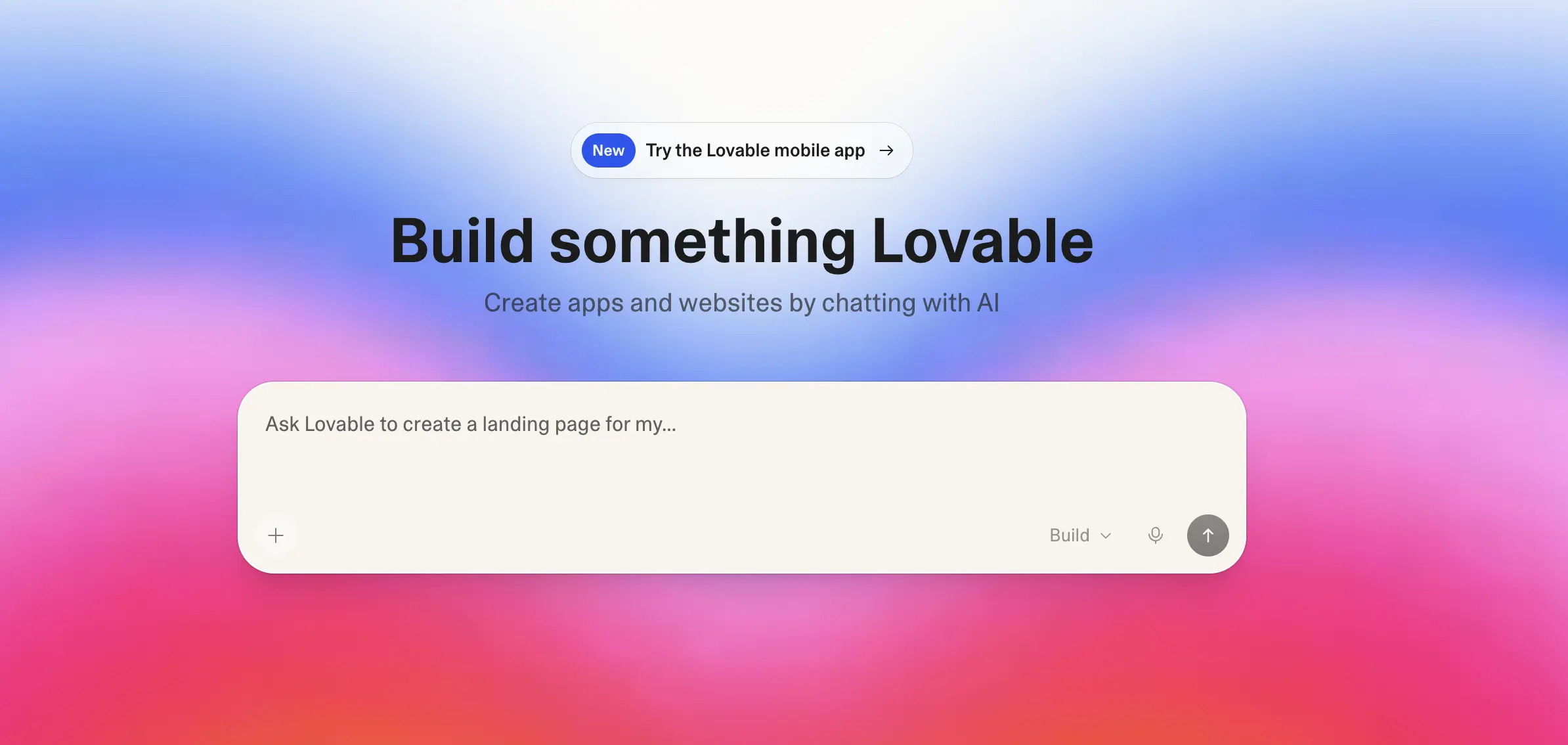
Lovable is, for most non-developers, the answer when "answer" means "the most visual, polished, hand-held option." You describe what you want in chat, Lovable builds a polished, full-stack app with a real database wired in, and you keep refining by talking to it. The UIs it produces are noticeably the cleanest in the category — designers will appreciate this — and the platform handles hosting, authentication, and data without you needing to know what any of those words mean.
The Swedish company hit $100M in ARR in eight months and reached a $6.6 billion valuation, mostly on the back of non-technical founders shipping real products. CEO Anton Osika has said he wants Lovable to become "the last piece of software" companies need — letting teams build custom internal tools instead of buying a different SaaS for every workflow.
Best for:
- Designers prototyping interactive products instead of static Figma flows
- PMs building internal dashboards, admin tools, and "would this even work?" prototypes
- Non-technical founders putting an MVP in front of investors or first users
- Anyone who cares more about a polished result than seeing the code
Drawbacks:
- Credits go fast — the free plan only includes five per day, and complex iterations burn paid credits quickly
- Code quality has limits. Teams have reported that Lovable apps can become hard to scale — small feature changes sometimes require rewriting chunks of the underlying code
- Security has been a real concern. In May 2025, 170 of 1,645 audited Lovable apps had a vulnerability that exposed personal information. The platform has since added built-in penetration testing, but it's a reminder to have someone review anything that handles user data
Bolt.new
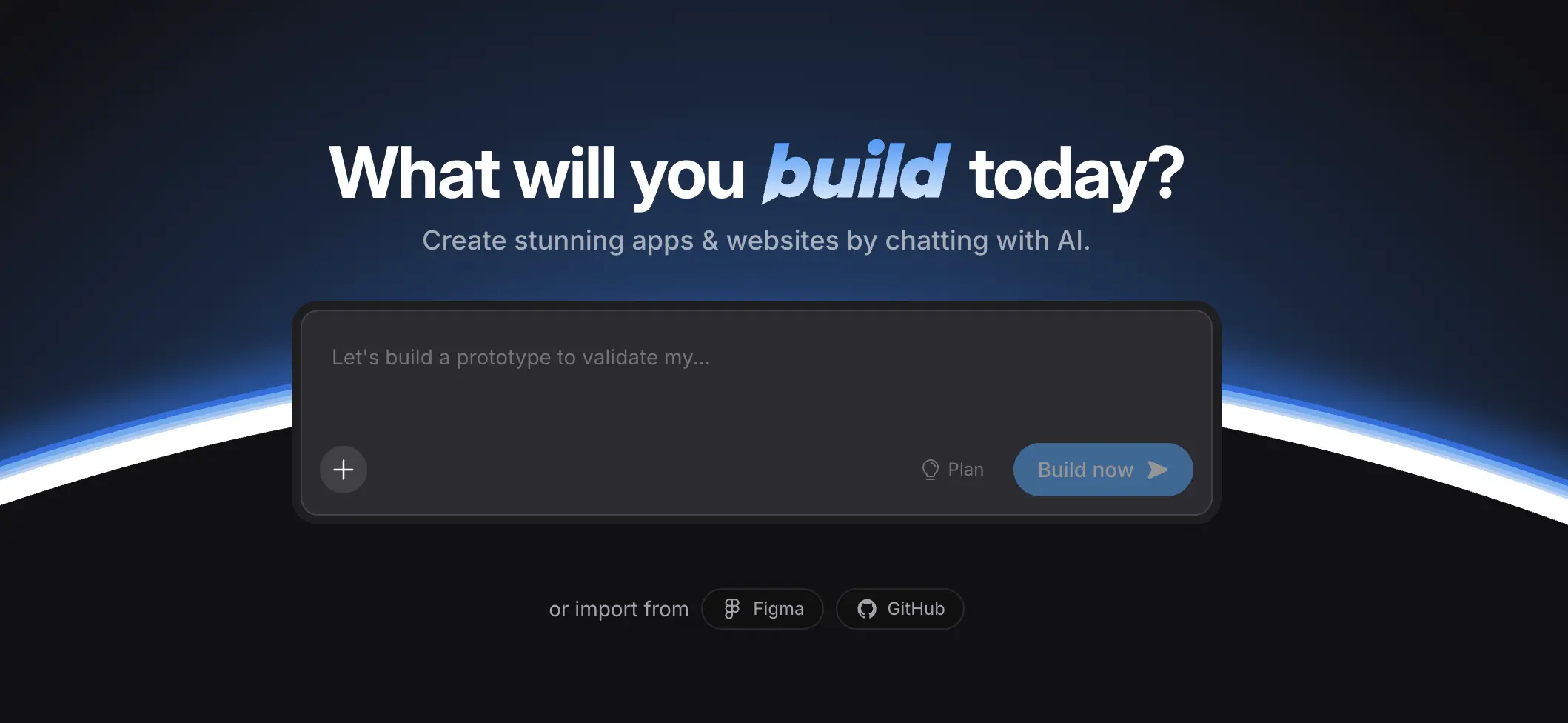
Bolt.new is the speed demon of the category. It runs an entire development environment inside your browser, so you can go from blank page to live app in under a minute. It's especially good at the "I need to show somebody this idea right now" use case — hackathons, pitch meetings, internal demos. The free tier offers a generous 1 million tokens per month, and Bolt has direct integrations with Figma (great for designers importing existing mockups), Stripe, and GitHub.
Best for:
- Designers who want to import a Figma file and turn it into a working prototype
- Marketers building campaign microsites or interactive landing pages on a deadline
- Anyone who values speed over polish — Bolt apps come together in minutes, not hours
Drawbacks:
- Bolt apps look great as demos but aren't really built for long-term maintenance. One reviewer put it bluntly: for hackathons and prototypes, Bolt.new is unbeatable; for anything you'll actually maintain, you'll want to rebuild
- Generation can feel slow because the AI is doing a lot at once — bring something else to work on while it thinks
- Database setup is less seamless than Lovable's — fine for demos, more friction for production apps
Figma Make
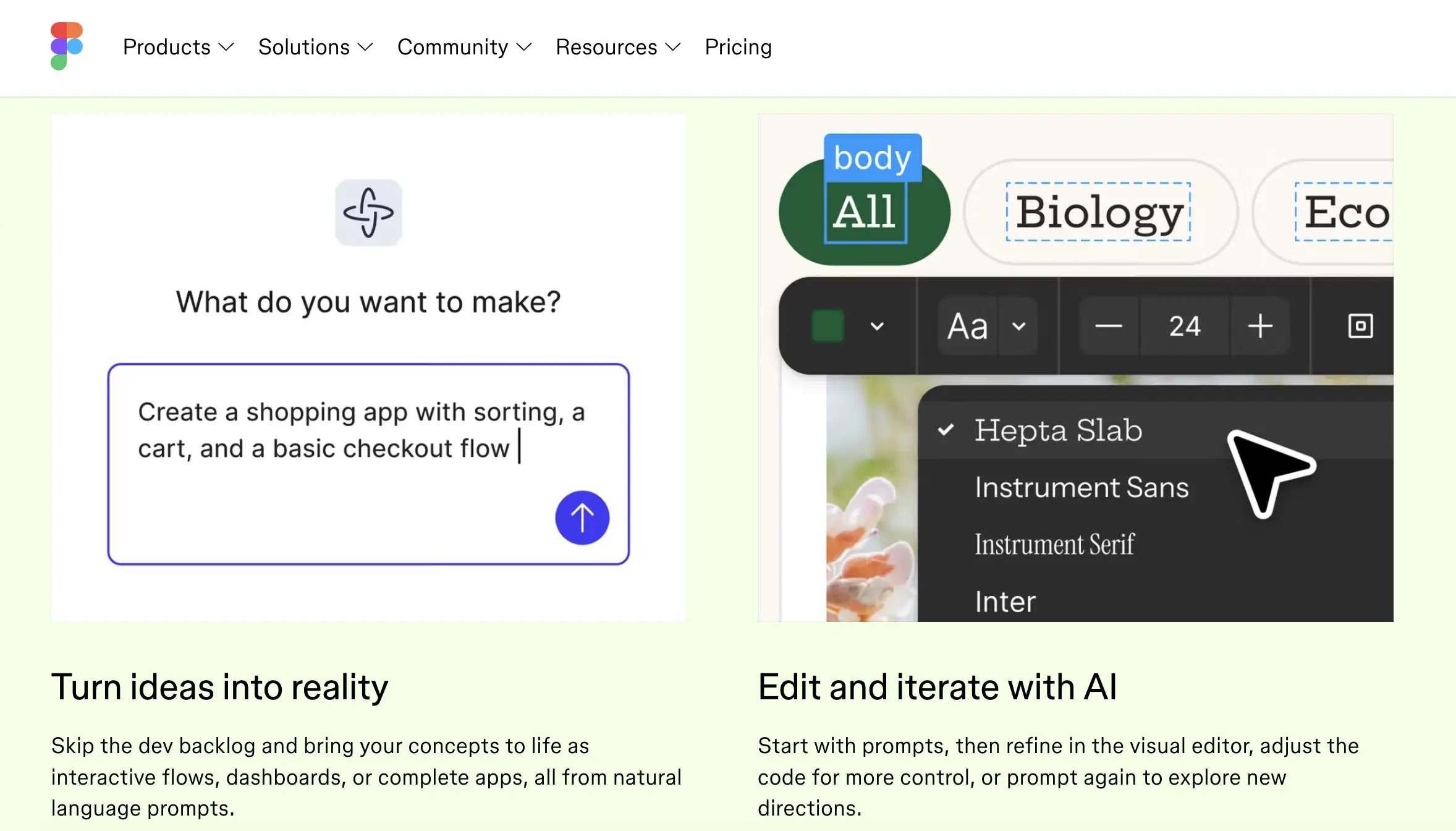
Figma Make launched into the category in 2025 and is the natural starting point for designers who already live in Figma. You can begin from a prompt or — more interestingly — from an existing Figma frame, and Make will turn it into a working interactive prototype. Under the hood, it's powered by Claude. The "point and edit" feature lets you click any element in the preview and request changes through chat, which matches how designers already think.
Figma's published case studies of PMs at ServiceNow, Ticketmaster, and Affirm using Make to prototype features for stakeholder review — classic non-dev use cases.
Best for:
- Designers who want to take an existing Figma frame and make it interactive
- PMs at design-mature companies who want prototypes that match their team's design system
- Teams running stakeholder reviews who need clickable prototypes faster than Figma's native prototyping
Drawbacks:
- More limited than Lovable or Bolt for full-stack work — Figma Make is more focused on mockup and prototype generation than building production apps
- Credit-based pricing introduced in March 2026 makes costs harder to predict
- Output is presentation-quality but not editable as Figma layers — projects publish as interactive prototypes, not as native Figma files you can decompose
Replit
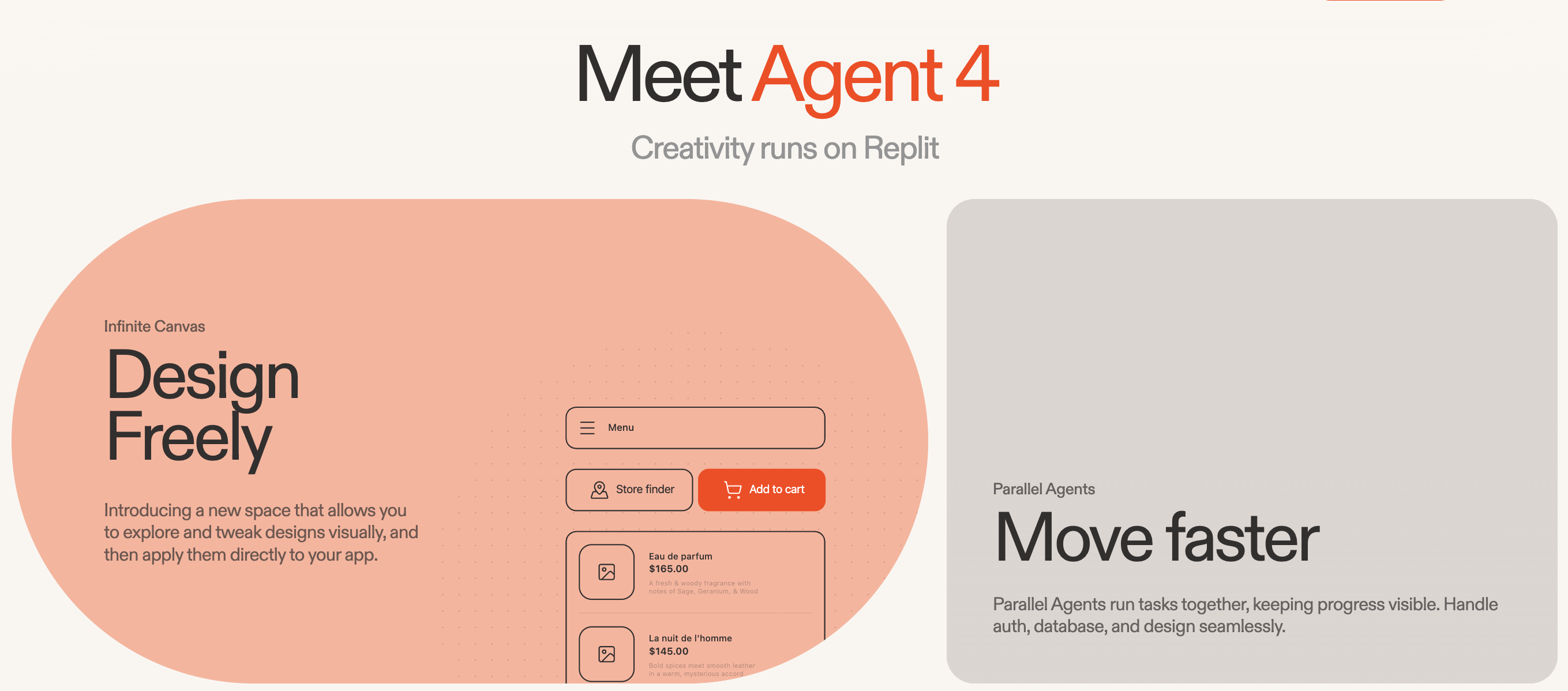
Replit sits somewhere between an app builder and a full-blown development platform. The Replit Agent can plan and build entire apps from a description, and the platform includes a built-in database, hosting, and live multiplayer collaboration. According to reporting on Replit's user base, about 75% of Replit users never write traditional code at all — they describe what they want and the Agent builds it.
The collaboration angle matters for cross-functional teams. A PM, a designer, and a developer can all be inside the same Replit project at the same time, which makes it a natural fit for working with technical teammates without the usual handoff overhead.
Best for:
- Cross-functional teams where a PM or designer wants to collaborate with developers in real time
- Educators, students, or anyone learning by building across multiple languages
- Projects where you want a complete environment in your browser without local setup
Drawbacks:
- The Replit Agent has been described by reviewers as "that zany engineer friend who chaotically works all night and somehow the final product is amazing" — meaning unpredictable decisions you'll need to walk back
- More options means more interface to learn — the IDE-style layout has a steeper ramp than Lovable's chat-first experience
- Performance can bottleneck on heavier apps
Designer's note: If your project starts in Figma, Figma Make is the smoothest on-ramp because your design system carries through. If you want to import a single mockup but go further with full-stack functionality, Bolt.new is a better fit. If you're starting from a written brief, Lovable is the most natural. And if none of these give you enough creative control — if the UIs they generate all look a little too "template-y" — that's your signal to look at Claude Code (Category 2), which gives designers the freedom to build interfaces that don't already exist.
Category 2: The Claude Code Path (Chat With Your Computer)
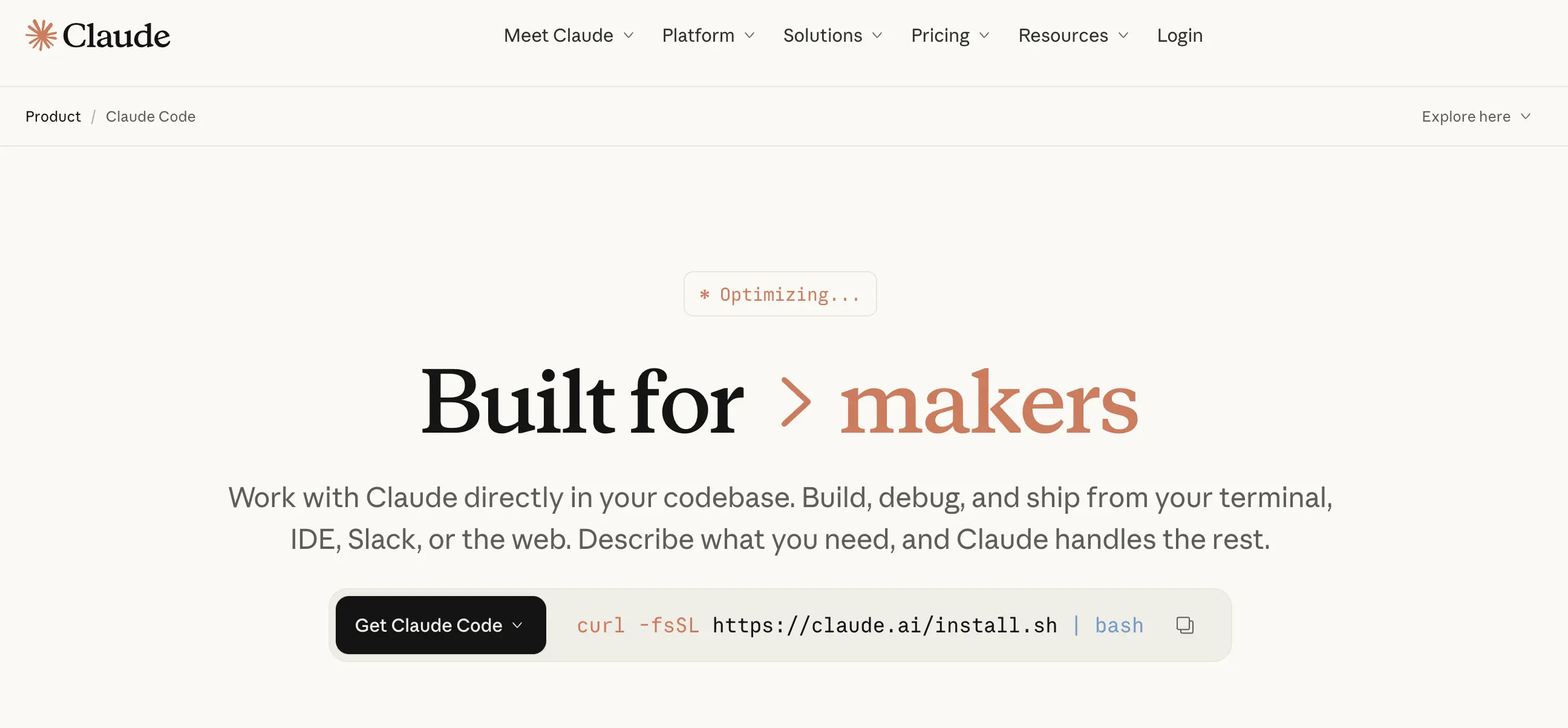
Claude Code, from Anthropic, has quietly become a primary vibe coding tool for a particular kind of non-developer — the slightly-more-technical PM, the designer who likes having control, the marketer who's already comfortable in a terminal. It's not just used as an add-on to Lovable — for many people, it's the whole stack.
The "Code" in the name kind of undersells it. Claude Code is really a general-purpose AI agent that can do almost anything on your computer. You give it a task in plain English, it goes and does it. Build a web app? Sure. Reorganize 500 files? No problem. Synthesize 20 customer interview transcripts into themes? Easy.
What makes it a real category of its own:
- It builds full applications, not just prototypes. InfoWorld's David Bolton wrote about going from idea to a working website in a single afternoon — including authentication, design touches, and details he didn't even ask for. Plenty of non-devs have shipped real, public products this way.
- It does things app builders can't. Claude Code can manipulate files, run scripts, automate workflows, work with audio and images, and connect to your email or calendar via MCP integrations. App builders can only build apps; Claude Code can build apps, automate your week, and clean up your downloads folder.
- You own the code. When you build something in Claude Code, the files are on your machine. No platform lock-in, no credit cliff, no being told "your project is paused." For non-devs serious about a project, this matters more than they expect.
- There's an actual non-dev movement around it. Lenny Rachitsky called Claude Code "the most underrated AI tool for non-technical people" and gathered 50 examples of non-devs using it as their main creative tool. There's a course specifically for PMs and a book titled Vibe Coding: The Non-Developer's Playbook for Building Real Products with Claude Code. This isn't a fringe use case anymore.
To put it plainly: a Lovable user is using a vibe coding tool. A non-dev who builds with Claude Code is living inside one.
Best for:
- Designers building real products, not just prototypes. Claude Code can take a Figma export or a design system and build a functioning app around it — with custom components, real data, animations that behave the way you want, and the freedom to invent UI patterns that don't exist in Lovable's template library. For designers who've ever felt boxed in by an app builder's house style, this is the unlock
- Designers automating their own workflows. Batch-renaming exports, generating asset variants, cleaning up component libraries, building internal Figma plugins, scripting repetitive design ops work — these are all in scope, and an app builder can't do any of it
- PMs building serious internal tools and shipping real products. Custom dashboards that pull from your actual APIs, prototypes with real auth and real data, even production apps. Lenny's Newsletter is full of examples of PMs using Claude Code as their main building tool, not just for synthesizing notes
- PMs running research and analysis workflows. Synthesizing customer interview transcripts into themes, analyzing CSV exports of feature usage, generating reports — the same tool that builds your app also handles your weekly research
- Marketers running serious content and automation workflows. Turning podcast transcripts into blog posts, generating social copy variants, batch-editing files, building scripts that scrape competitor pricing pages. Once you set up a workflow in Claude Code, you can re-run it on every new episode or every Monday
- Anyone who wants their AI to work across their whole computer, not just in a browser tab
- Anyone burned by an app builder's pricing or limitations and ready for something more flexible — no credit cliffs, no "project paused," no being told what your app can or can't do
Drawbacks:
- It runs in the terminal. Anthropic ships a VS Code extension that helps, but you still have to be willing to see something that looks vaguely like a developer's screen. Plenty of non-devs cross this bridge — but it's a real bridge
- The blank page is bigger. Lovable greets you with a prompt box; Claude Code greets you with a cursor. You have to bring more of your own structure
- Costs can escalate — most non-devs are fine on the $20/mo Claude Pro plan, but heavy users move to Max ($100–$200/mo)
- It can occasionally go off the rails — multiple users have noted Claude Code will occasionally take a strange tangent and you have to rein it back in. Less of an issue with planning prompts ("Plan first, code only after I approve")
Cursor (Optional Companion)
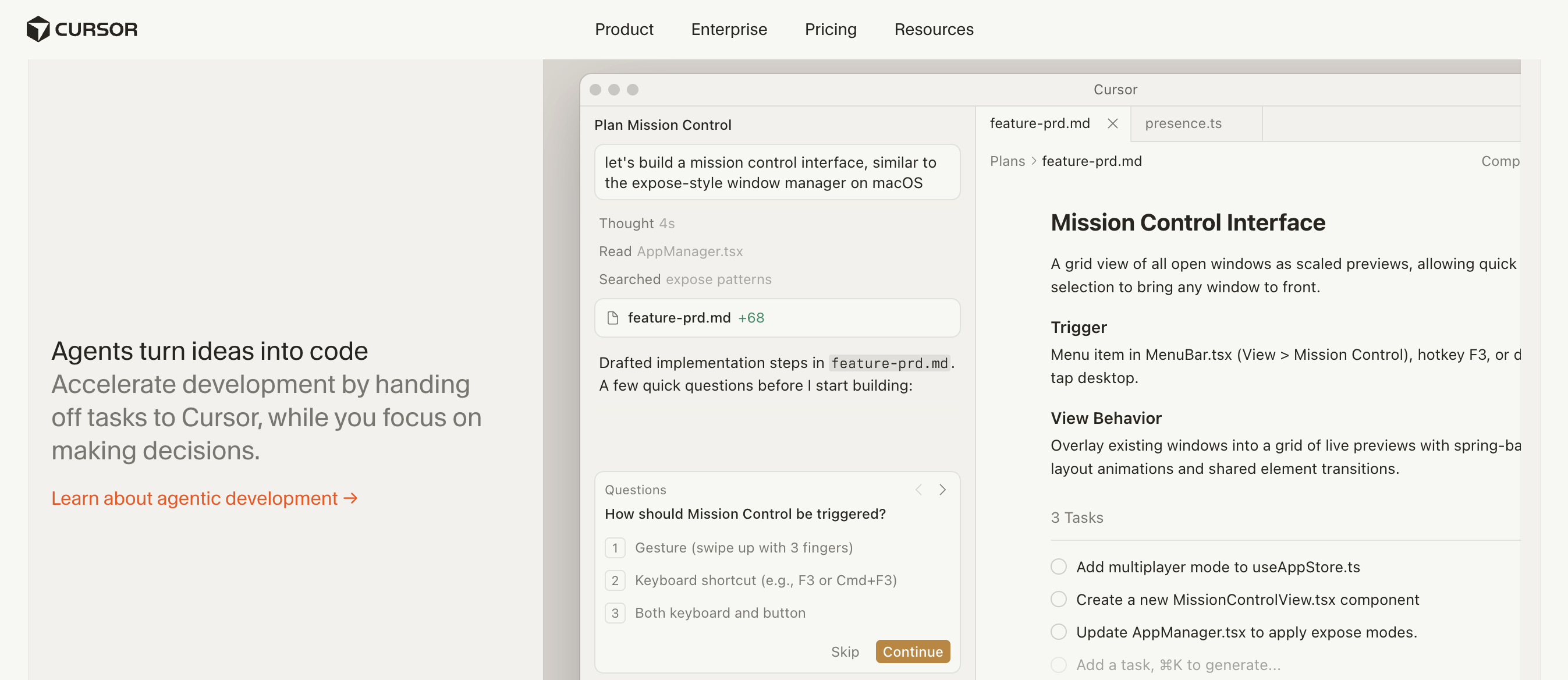
Cursor is the AI-powered code editor that's the most popular choice among professional developers, with Anysphere reportedly hitting $2B in ARR. For non-developers, Cursor isn't really a starting point — it's something some people add when they want a more visual environment alongside Claude Code, or when they're collaborating with a developer who's already using it.
Best for:
- People already using Claude Code who want a friendlier file-browser view of their project
- Non-devs working alongside a developer who's in Cursor anyway
- Tweaking specific files when you can roughly read the code
Drawbacks:
- It looks like a developer tool because it is one — the on-ramp for someone who's never seen a code editor is real
- For most non-dev workflows, Claude Code on its own (or paired with Lovable) covers the same ground with less to learn
- Credit-based billing can burn through your $20 pool fast on complex tasks
Honest take: Lovable, Bolt, and Figma Make are great if you want to never see code. Claude Code is great if you want to never see anyone else's interface. Pick based on which constraint annoys you more.
Category 3: Databases (Where Your App's Data Actually Lives)
Most non-developers don't need to think about databases — Lovable, Bolt, and Replit set them up automatically, and Claude Code handles the setup if you ask it to. But it helps to know what's powering things, because the moment you want to do something the AI didn't anticipate (like exporting your data, or sharing it with another tool), the database becomes important.
Supabase
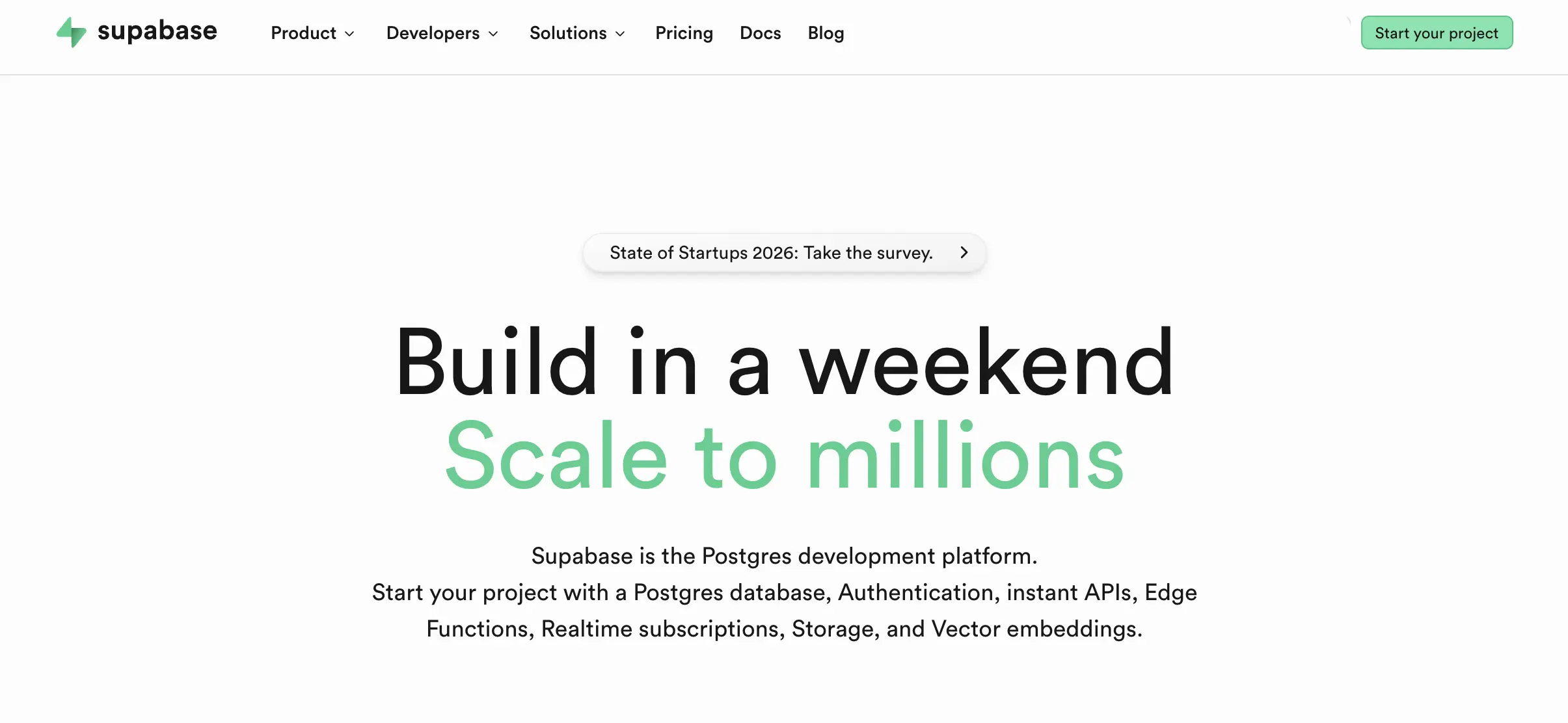
Supabase is the database that powers most vibe-coded apps in 2026. It's the default backend for Lovable, Bolt, and Figma Make — when those tools ask "want a database?" they mean Supabase. Claude Code also defaults to suggesting Supabase for full-stack projects. Originally pitched as an "open-source Firebase alternative," it bundles a real database, user authentication, file storage, and live data updates in one dashboard.
The reason this matters for non-developers: when your AI tool connects to Supabase, you can log into the Supabase dashboard yourself and see your actual data in tables. You can edit rows, export to CSV, and add users without going back through the AI. That escape hatch is genuinely valuable when something is off.
Best for:
- Most full-stack apps built with Lovable, Bolt, Figma Make, or Claude Code (it's the default — just say yes)
- PMs and ops folks who want to view, edit, or export data outside the app
- Apps that need user logins (Supabase handles auth out of the box)
Drawbacks:
- Free tier projects pause after one week of inactivity — fine for prototypes, annoying once you have real users
- Costs jump as you grow. Early MVPs are nearly free, but compute and traffic add up
- Some advanced features (Row Level Security, anyone?) can confuse non-technical users when an AI tries to set them up incorrectly
Firebase
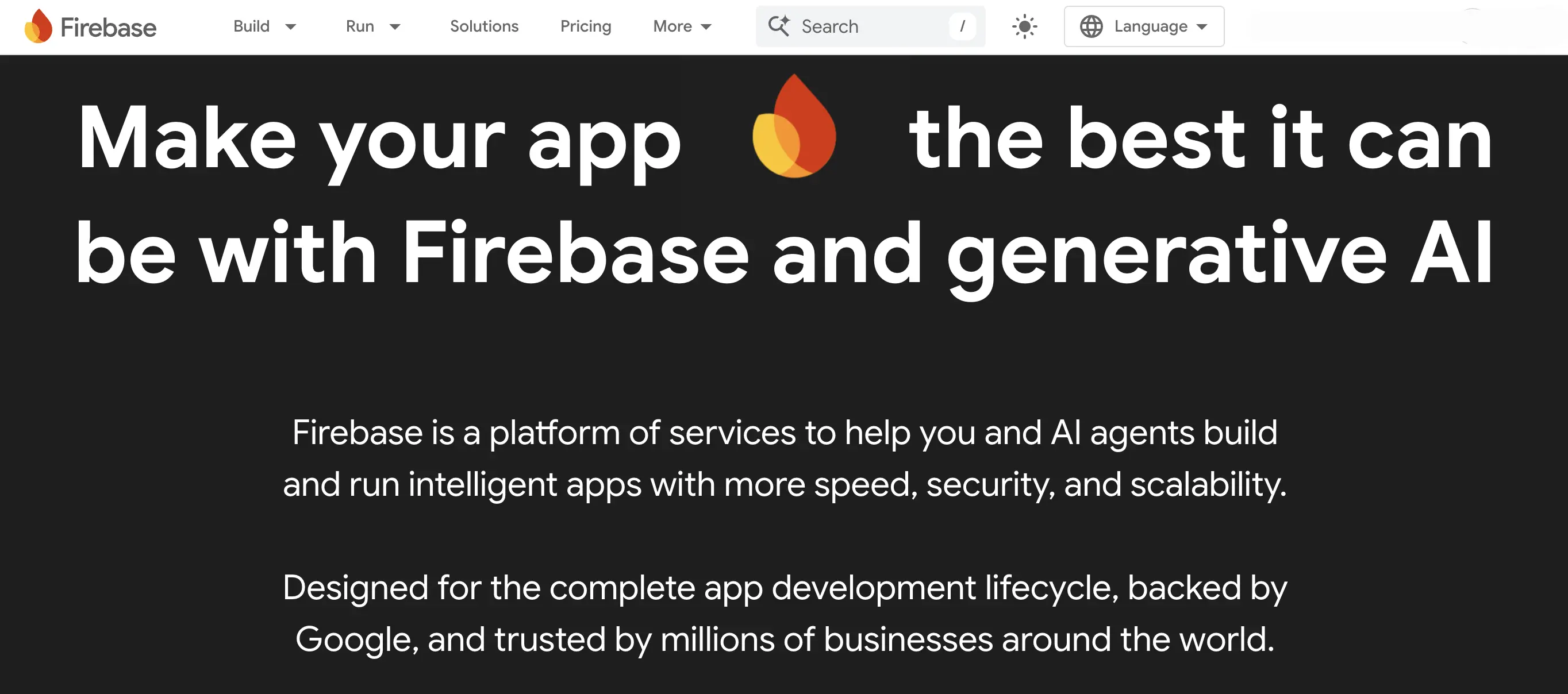
Firebase is Google's backend platform and Supabase's older, more polished competitor. It's especially strong for mobile apps — real-time data sync, push notifications, and crash reporting are all best-in-class. For non-developers, the appeal is the maturity: more tutorials, more YouTube videos, more Stack Overflow answers when you're stuck.
Best for:
- Mobile-first apps where real-time sync matters (a chat app, a collaborative tool)
- Anyone already using Google Workspace and wanting things in one ecosystem
Drawbacks:
- Pricing has historically been unpredictable at scale — apps that suddenly get popular can hit surprise bills
- Firebase made cuts to its free tier in early 2026 (Cloud Storage was removed from the Spark plan), making Supabase a better default for new projects
- Vendor lock-in is real — your data lives in Google's proprietary format, which makes migrating later harder
Category 4: Deployment Platforms (Getting Your Thing Live)
App builders include hosting by default, so a lot of non-developers never need to think about deployment. But if you build with Claude Code, or if you export your code from Lovable or Bolt to customize it further, you'll need somewhere to actually put it on the internet.
Vercel
Vercel is the dominant deployment platform for vibe-coded apps. The pitch is simple: connect your project, get a live URL in about 60 seconds, with automatic preview links every time you make changes (great for sharing drafts with stakeholders before going live). Claude Code knows how to deploy to Vercel — you can literally ask it to "ship this to Vercel" and it'll handle the setup.
Best for:
- Anything built with Claude Code or exported from Lovable
- Marketing sites, landing pages, and content-heavy projects
- Teams that want preview URLs to share work-in-progress
Drawbacks:
- Pricing can scale unpredictably — there have been multiple public cases of surprise bills when traffic spiked unexpectedly. Set spending limits early
- Optimized hardest for the React/Next.js ecosystem — works fine for everything else, but you're not getting the full benefit unless you're in that stack
Netlify
Netlify is the friendlier, more framework-neutral cousin. It works equally well no matter what tool generated your code. Built-in features like form handling and basic auth eliminate the need for some third-party services, which non-developers will appreciate.
Best for:
- Static sites, marketing pages, and JAMstack workflows (don't worry about the term — it's just a way of building sites)
- Teams wanting predictable pricing without traffic-based surprises
- Anyone who isn't sure which framework their app is using
Drawbacks:
- Netlify cut its free tier build minutes from 300 to 100 in 2026, making it less attractive for casual projects
- The platform feels slightly less polished than Vercel in 2026 — extras work, but they don't sparkle
Cloudflare Pages
Cloudflare Pages is the value play. Unlimited bandwidth on every plan, the largest global edge network of the three, and a complete platform underneath if you ever need more than just hosting. For high-traffic sites, the cost difference vs Vercel can be an order of magnitude.
Best for:
- Cost-sensitive projects, especially anything content-heavy
- Marketing sites with viral potential where bandwidth could explode
- Global audiences who'll benefit from Cloudflare's massive edge network
Drawbacks:
- Steeper learning curve than Vercel or Netlify — the developer experience is improving but still rougher
- Some advanced features assume more technical comfort than the friendlier alternatives
Putting It Together: Stacks That Actually Work for Non-Devs
You don't need every tool above. You need the right two or three. The big variable is which path fits how you like to work — chat-and-canvas or Claude Code. Here are the patterns that work in 2026:
The pure beginner stack. Lovable to build, Supabase wired in automatically, Lovable's hosting to ship. If you've never touched a terminal, this is the most direct path from idea to live URL. Total ramp-up: an afternoon.
The designer stack (visual). Figma Make (start from your existing frames) → Bolt.new (when you need real backend functionality your prototype can't fake) → Vercel for deployment. This is the most common designer setup in 2026 — fast, visual, and close to the tools you already know.
The designer stack (Claude Code-first). Claude Code as your primary build tool → Supabase for any data layer → Vercel for deployment. This is the path for designers who've outgrown template-library aesthetics and want to invent UI patterns that don't exist in Lovable or Figma Make. You bring a Figma export or a design system, Claude Code builds the actual product around it — including custom animations, weird interactions, and components no app builder would ship. Bonus: the same tool that builds your product can also run your design-ops workflows (batch exports, asset generation, custom Figma plugins). More effort to get going than the visual stack, but ceiling is much higher.
The PM stack (visual). Lovable for internal tools and dashboards → Supabase (already wired) → Lovable's hosting. Use Claude Code on the side for synthesizing customer interviews, organizing research, and prepping briefs. This is the most common "PM who builds" setup in 2026.
The PM stack (Claude Code-first). Claude Code as your primary tool → Supabase for any data layer → Vercel for deployment. This is the path more technically-curious PMs are taking — featured in Lenny's Newsletter, taught in Carl Vellotti's course, described in books written specifically for this audience. The trade-off: a steeper start, but you can build literally anything, your work isn't trapped in a platform, and the same tool that builds your app also runs your weekly research and content workflows.
The marketer stack. Bolt.new or Figma Make for landing pages → Cloudflare Pages for deployment (because viral campaigns shouldn't break the bank). Use Claude Code for repetitive content workflows like turning podcast transcripts into blog posts and social copy — once you've set up a Claude Code workflow, you can re-run it on every new episode in seconds.
The "I'm ready to ship something real" stack. Claude Code for primary building → Cursor as a friendlier visual layer when needed → Supabase for data → Vercel or Cloudflare Pages for deployment. This is what serious non-dev founders are using when they're past the prototype stage and committed to a product. When you bring on your first developer, hand them the code — they can take it from there.
The most important thing to internalize: vibe coding is incredible for getting the first version of something into the world. The version where you find out if the idea is even good. That used to take months and a development team. Now it takes an afternoon and a clear description.
The drawbacks are real — these tools can produce code that's hard to scale, occasionally insecure, and sometimes unpredictable. That's why the best workflow for non-developers is vibe code the prototype, validate the idea, then bring in a developer when it's time to make it bulletproof. The vibe coding tool didn't replace the developer in that workflow — it replaced the version of you that wasn't shipping anything because the setup felt impossibly heavy.
Pick a tool. Build something this week. The bar for "non-developers shipping real software" has never been lower, and it's only moving in one direction.
The vibe coding category is moving fast — every few weeks there's a new tool worth trying. The principles in this guide should hold up, but expect the specific picks to keep evolving. If you've built something cool with any of these, that's the actual point. Want a headstart on using these tools and putting together a stack to actually build something? Check out Designlab’s Vibe Coding course for designers and PMs, Vibe Coding Camp.


.webp)



.webp)


