.webp)


In our highly digital world, visual design skills have become more and more valuable, and not just for professional designers. Anyone involved in creating content, communicating ideas, or shaping user experiences can benefit from learning visual design fundamentals. Understanding the basics of design—such as working with imagery and photography, understanding color and typography, structuring layout and hierarchy, and proficiency in design evaluation and critique—can dramatically improve how ideas are communicated and perceived.
Whether you're preparing a presentation, developing assets for a website, or simply trying to enhance your brand's visual identity, having a foundational grasp of design helps to present information more effectively and compellingly. Even without a formal design background, these skills can bridge gaps between raw ideas and polished, professional outputs. While you might not be a designer by trade, professionals such as marketers, educators, entrepreneurs, or anyone handling creative digital content can gain significant value from learning design basics.
Marketers, for example, can optimize their campaigns by creating visually appealing ads that drive engagement. Educators can design more engaging learning materials that enhance the student experience and retention of information. Entrepreneurs, often responsible for everything from pitch decks to product branding, can apply design skills to better communicate their vision to stakeholders, investors, and customers. In each of these fields and more, a solid understanding of design can lead to more cohesive messaging and a stronger connection with the target audience.
There are countless online programs offering design fundamentals, each catering to different learning styles and goals. Some programs, such as interactive video-based courses, focus on hands-on practice with real-world projects, allowing learners to apply design principles directly. Others offer more theoretical content, which is ideal for those who want to understand the “why” behind design decisions before diving into the practical side. Additionally, courses may vary in flexibility, with some allowing for self-paced learning, while others offer instructor-led classes or peer collaboration to create a more structured learning experience.
In this article, we’ll take a closer look at some of the best online courses for learning design fundamentals, exploring course format, support structures, length and cost, and more.
Visual Design Course Options
- Design 101 by Designlab
- Adobe Graphic Designer Professional Certificate by Coursera
- Graphic Design Masterclass by Udemy
- Graphic Design Courses Library by BYOL
- Graphic Design Essentials by Canva
- Visual Communication Learning Pathway by Skillshare
1. Design 101 by Designlab

Duration: 4 weeks at 3-5 hours per week
Cost: $799
Instruction style: Hands-on projects, video tutorials, and written lessons
Support: One-on-one mentorship with an industry expert and Slack community
Enrollment period: Varies
Design 101 by Designlab is a beginner-friendly, fully online graphic design course that introduces learners to the fundamentals of visual and graphic design, seeking to demystify these essential principles, making them accessible to everyone—including complete design beginners.
Students learn practical design concepts, from shape and composition to effective use of color, imagery, and typography to enhance what their designs seek to communicate. Learners will apply skills to real-world projects and situations, learning how to create marketing materials, presentations, website graphics, and more.
While the course is tool agnostic and participants are encouraged to select the tool that makes the most sense for them, the course is hands-on, with plenty of practical work. Students will also practice evaluating design and getting comfortable with communicating their design ideas.
Throughout the course, students engage in a mix of practical projects and guided video tutorials, along with written content that dives deeper into design theory. These materials are asynchronous and flexible, meaning students can work on them whenever is best throughout a given week.
However, live mentorship is also a key component of Design 101: every student is paired with a professional designer who provides personalized feedback on their work through written commentary. Additionally, students meet for weekly peer sessions facilitated by their mentor. This is an opportunity to delve deeper into coursework, receive feedback from fellow students, and practice evaluating and communicating visual design ideas. Students are also part of an active Slack community where they can ask questions, share their work, and network with other learners and mentors.
Students will be expected to dedicate up to five hours per week to the course, with the program running approximately once per quarter. Learn more at the Designlab Design 101 course page.
2. Adobe Graphic Designer Professional Certificate by Coursera
- Duration: 4–6 months (at 10 hours per week)
- Cost: $49/month
- Instruction style: Video lectures, hands-on projects, real-world assignments
- Support: Peer feedback, discussion forums, graded assignments
- Enrollment period: Ongoing
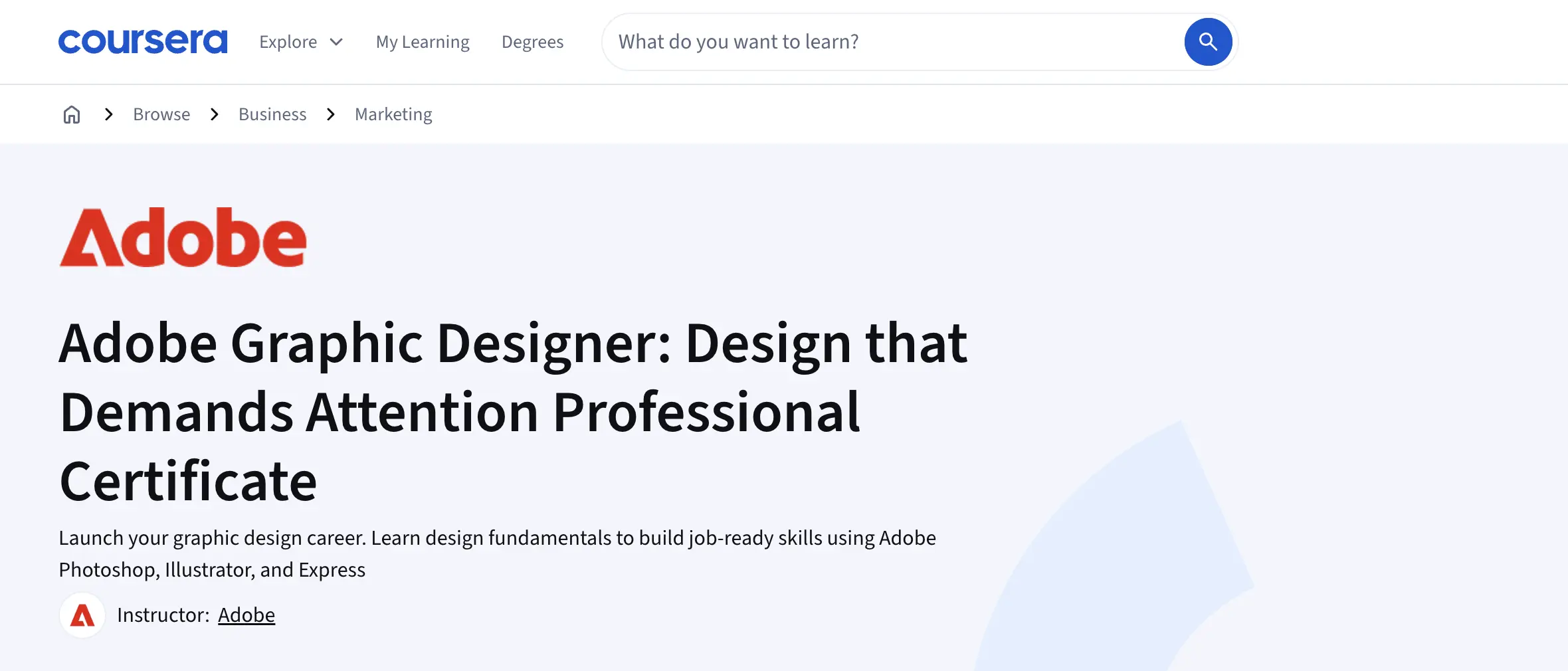
The Adobe Graphic Designer Professional Certificate on Coursera is a beginner-friendly, job-ready graphic design program created by Adobe. It’s designed specifically for learners who are new to graphic design, with no prior experience required, and provides a structured introduction to both design fundamentals and industry-standard tools.
Across five courses, students learn core graphic design principles such as layout, typography, color theory, and visual communication, while gaining practical experience in tools like Adobe Photoshop, Illustrator, and Adobe Express. The program is structured to gradually build skills, making it approachable for beginners who may feel intimidated by more intensive or fast-paced design bootcamps.
A major strength of the program is its project-based learning approach. Instead of focusing solely on theory, students complete hands-on assignments that mirror real-world design tasks, such as creating logos, social media graphics, and marketing materials. These projects help beginners build confidence and begin developing a portfolio as they progress through the coursework.
While the program does not offer one-on-one mentorship, learners benefit from graded assignments, peer feedback, and discussion forums that provide opportunities for collaboration and support. The flexible, self-paced format and open enrollment make it a good fit for beginners balancing learning with other commitments.
Overall, Coursera’s Adobe Graphic Designer Professional Certificate is a strong option for beginners who want a structured introduction to graphic design, hands-on experience with professional tools, and a recognized credential without the pressure of a full-time or high-stakes program.
3. Graphic Design Masterclass on Udemy

Duration: 30+ hours total
Cost: $159.99
Instruction style: Video lectures, downloadable resources, and practical projects
Support: Udemy Q&A forum, community feedback
Enrollment period: Ongoing
The Graphic Design Masterclass on Udemy is a comprehensive course designed to take learners from a beginner level to higher competency in various areas of graphic design. The course covers essential design functions in tools like Adobe Photoshop, Illustrator, and InDesign, emphasizing the importance of mastering visual design software to create impactful visual projects. It also delves into core design principles such as color theory, typography, logo creation, and branding.
Throughout the course, students work on a variety of projects ranging from logo design and packaging to magazine layouts and vector illustrations. By the end, learners will have a strong grasp of editing techniques in Photoshop, vector-based tools in Illustrator, and layout principles in InDesign. The materials are done in a video-based lecture format, with both theoretical content and practical projects presented through video.
There is no live mentorship in the Udemy course; however, past students note that the instructor is welcoming and easy to follow in the video presentations. Additionally, students have access to a Q&A forum and optional community feedback throughout the program.
The course is very comprehensive, but also very wide-ranging: therefore, it may feel a bit overwhelming for students who are totally new to graphic design, or want to learn more of a holistic overview without getting too heavy into specific areas. However, for someone looking to delve deeper into tool learning or more granular design specifics, this could be a great option.
Udemy’s Graphic Design Masterclass offers open enrollment, and is self-paced with just over 30 hours of video material—however, this time commitment does not account for project work or other types of involvement.
4. Graphic Design Courses Library by BYOL
- Duration: Approximately 1-2 hours
- Cost: Free
- Instruction style: Video tutorials
- Support: Canva’s online community group
- Enrollment period: Access anytime
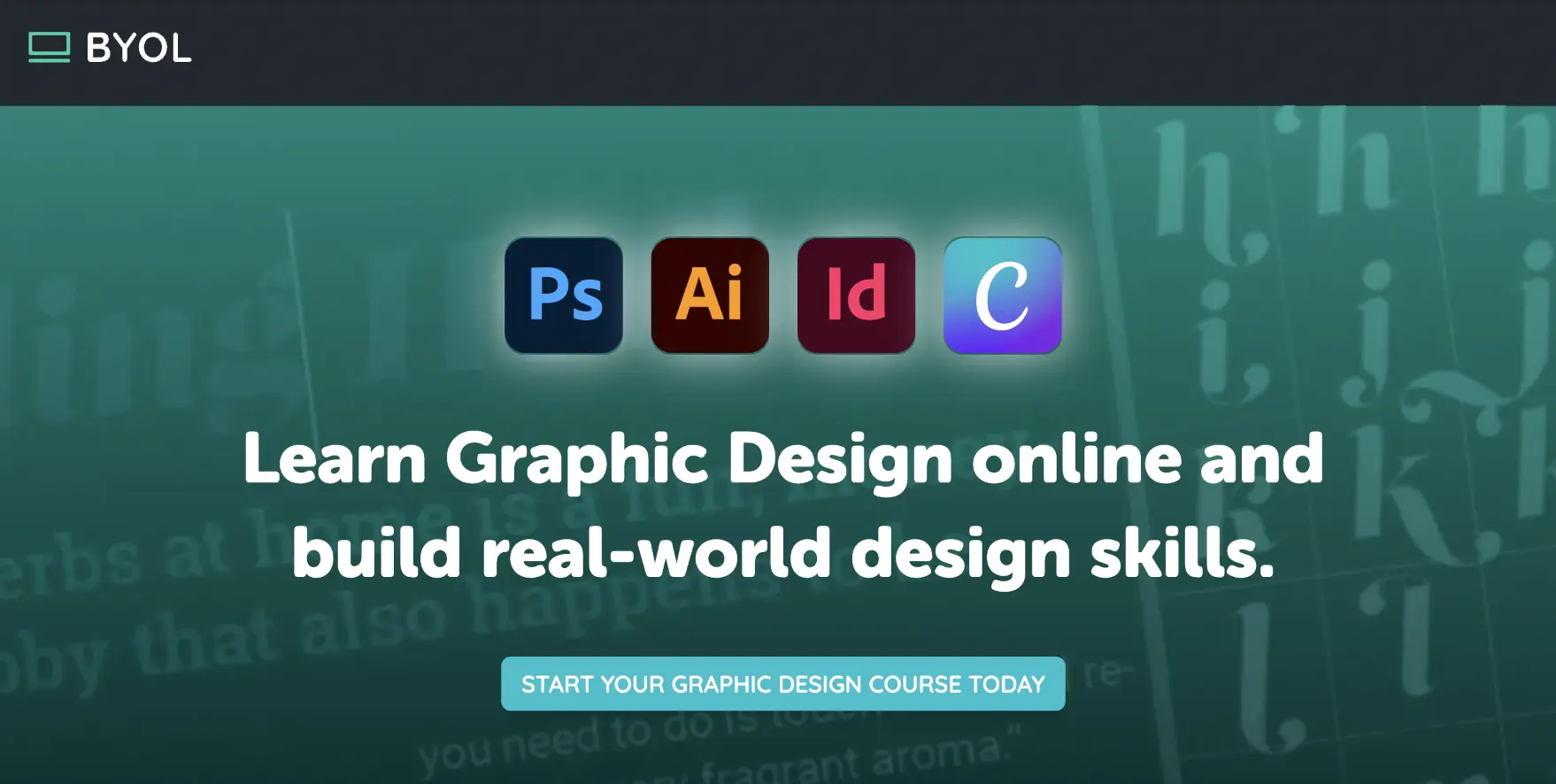
Bring Your Own Laptop’s Graphic Design Library is well-suited for beginners thanks to its flexible, self-paced membership model and clear, step-by-step instruction. Rather than a single linear bootcamp, students gain access to a broad library of beginner-friendly courses covering essential tools like Adobe Photoshop, Illustrator, InDesign, and Canva, allowing learners to start with the basics and progress at their own speed.
The courses are taught through short, approachable video lessons that focus on practical, real-world applications, making them especially accessible for those with little to no prior design experience. Core concepts such as layout, typography, color, and composition are introduced alongside hands-on projects, helping beginners build confidence by applying skills immediately rather than learning theory in isolation.
While there is no one-on-one mentorship, beginners still benefit from community support and expert guidance through chat features, as well as optional challenges that help reinforce learning and encourage consistency. Because learners can choose which courses to take and in what order, the program feels less overwhelming than more rigid, intensive bootcamps.
With open enrollment and no fixed timeline, Bring Your Own Laptop is a strong option for beginners who want a low-pressure, affordable way to explore graphic design, learn industry-standard tools, and gradually build foundational skills without committing to a long, high-stakes program upfront.
5. Graphic Design Essentials by Canva

Duration: Approximately 1-2 hours
Cost: Free
Instruction style: Video tutorials
Support: Canva’s online community groups
Enrollment period: Access anytime
Canva’s Graphic Design Essentials course offers a beginner-friendly introduction to visual design elements and principles, allowing participants to get comfortable with concepts like layout, color, type, and more. Perfect for novices looking for an accessible and inviting entry into design, this course also takes users through small projects on concepts like color theory and making a mood board.
Participants can experiment with Canva’s user-friendly interface, working with layers, text, and elements to build custom designs. While the course is fairly short in nature, Canva offers a plethora of other design-based video lecture series to build on. While there is no feedback or mentorship built in, learners can also join one of Canva’s many online creative-based communities.
The Graphic Design Essentials course is quite bite-sized, and participants can expect to spend about an hour on the video lectures and then some additional time putting their learning into action within Canva if they’d like. The course is free and accessible at any time on Canva’s website.
6. Visual Communication Learning Pathway by Skillshare

Duration: 13+ hours
Cost: Varies by subscription type
Instruction style: Video tutorials, interactive assignments, and class projects
Support: Skillshare community and project feedback
Enrollment period: Ongoing
The Visual Communication Learning Pathway on Skillshare teaches learners how to create compelling and professional visuals specifically for presentations such as PowerPoint. The course covers a range of skills, including mastering images, infographics, data visualization, and advanced animation. Learners will also dive into graphic design principles to enhance visuals, ensuring presentations that inspire and engage.
Experienced visual designers provide practical experience and personalized feedback, helping students achieve their goals. While this course is geared specifically towards visuals and graphics for presentations, many of the core learnings can still be applied to other types of design. Additionally, Skillshare offers a variety of other courses that avid learners can stack on top to learn more about design basics.
The material is presented in video lectures and tutorials, and students will create visual assets as they make their way through the coursework. While there is no mentorship available in real-time, students can tap into community forums and feedback features to ask questions or connect with others about their work.
The Visual Communication Learning Pathway course will take a bit over 13 hours of time commitment, and students can opt-in any time as Skillshare offers open enrollment on their courses.
Conclusion
Online graphic design fundamentals courses offer immense value to learners across a wide range of professions, from entrepreneurs to educators, marketers, and beyond. These courses empower individuals with the ability to communicate more effectively through visual design, enabling them to enhance their projects, presentations, and branding. By increasing fluency in visual design, professionals can learn to both understand and defend the design decisions they’re making.
Whether you’re looking to enhance your professional presentations or simply gain an understanding of design concepts, there is a wealth of options available. These courses not only provide the flexibility of self-paced learning but also give learners access to active communities for collaboration and feedback, ensuring a well-rounded educational experience.
As the demand for strong visual communication skills continues to grow, investing time in learning design fundamentals is a valuable step toward personal and professional growth.
Looking to learn fundamental visual and graphic design skills? Check out Designlab’s graphic design course for beginners, Design 101, to learn more.


.webp)