

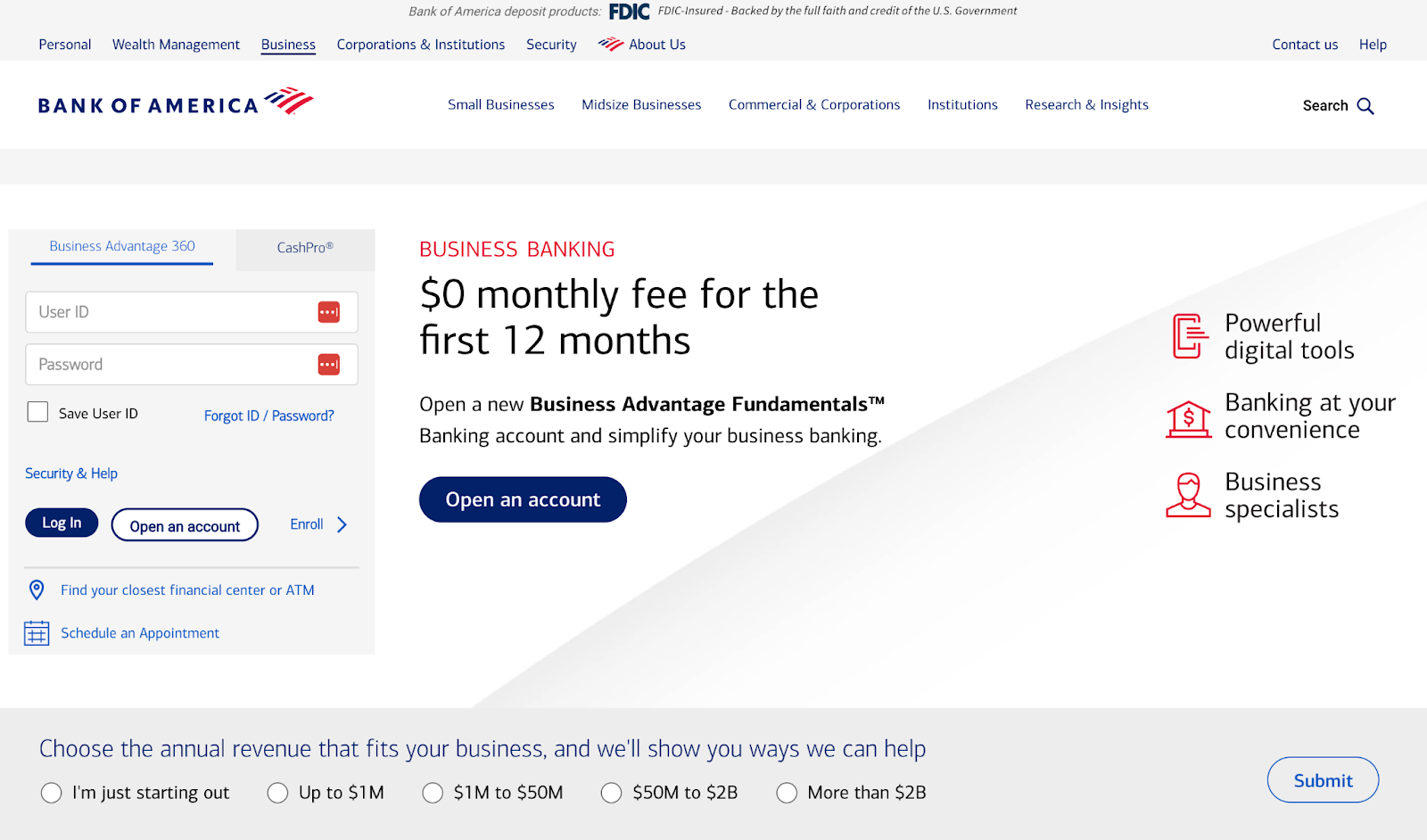
Aksiniya Nonkova is a Product Designer at Bank of America, working in enterprise payments and small business banking. Her team designs end-to-end experiences for credit cards, merchant services, Zelle, wires, and responsive web and mobile banking platforms—serving both consumers and small business owners.
Like many designers in highly regulated industries, Aksiniya operates under stringent technology guidelines. While her organization has recently approved Microsoft Copilot for internal use, most other AI tools are restricted in her day-to-day workflow.
That limitation often creates hesitation around AI education. If you can’t use most tools at work, is it worth investing the time to learn them?
For Aksiniya, the answer was yes. She felt that learning the latest tools would help her stay ahead in a rapidly shifting profession—and help her build foundational AI skills that would carry over across platforms.
“ I think everybody is kind of scared it’s going to take design jobs—it’s really not. This was confirmation of how I can use AI to [make better use of] my time and focus on the bigger problems.”
That mindset led her to enroll in AI for UX Design, her second course with Designlab.
Building Advanced AI Skills That Transfer Across Tools
Aksiniya knew AI tooling was becoming fundamental to product design. Even with a limited approved stack, she wanted a deeper understanding of prompting, workflows, and AI strategy—skills she could apply now and build on as her organization’s policies evolved.
Aksiniya’s goals for the course included:
- Learning how to use AI to grow professionally, and where AI tools would be the most impactful in her role.
- Streamlining the early stages of design, like research, ideation, and sketching, so she could better use her time and focus on more urgent problems and solutions.
- Developing stronger prompting techniques to anticipate how AI interprets instructions and get clearer, more useful outputs.
The course gave her a structured framework for doing exactly that—breaking down:
- How to write and refine effective prompts
- How to iterate and improve outputs
- How to use AI responsibly within UX workflows
- Where AI adds value and where human judgment is critical
This structure helped her focus less on any single tool and more on how to think and work with AI.
This [course] confirmed how I can use AI to make better use of my time and focus on the bigger problems.
From Exploration to Professional Application
Before the course, Aksiniya had experimented with tools like ChatGPT for personal use but not in a professional context.
Throughout the course, she explored Midjourney, Perplexity, Gamma, Lovable, and Figma Make for practicing prompting, iteration, and workflow design. While many of these tools aren’t available in her work environment, they served as a sandbox for developing skills she could apply within Copilot and other enterprise-approved systems.
Two applications for AI became immediately valuable to her:
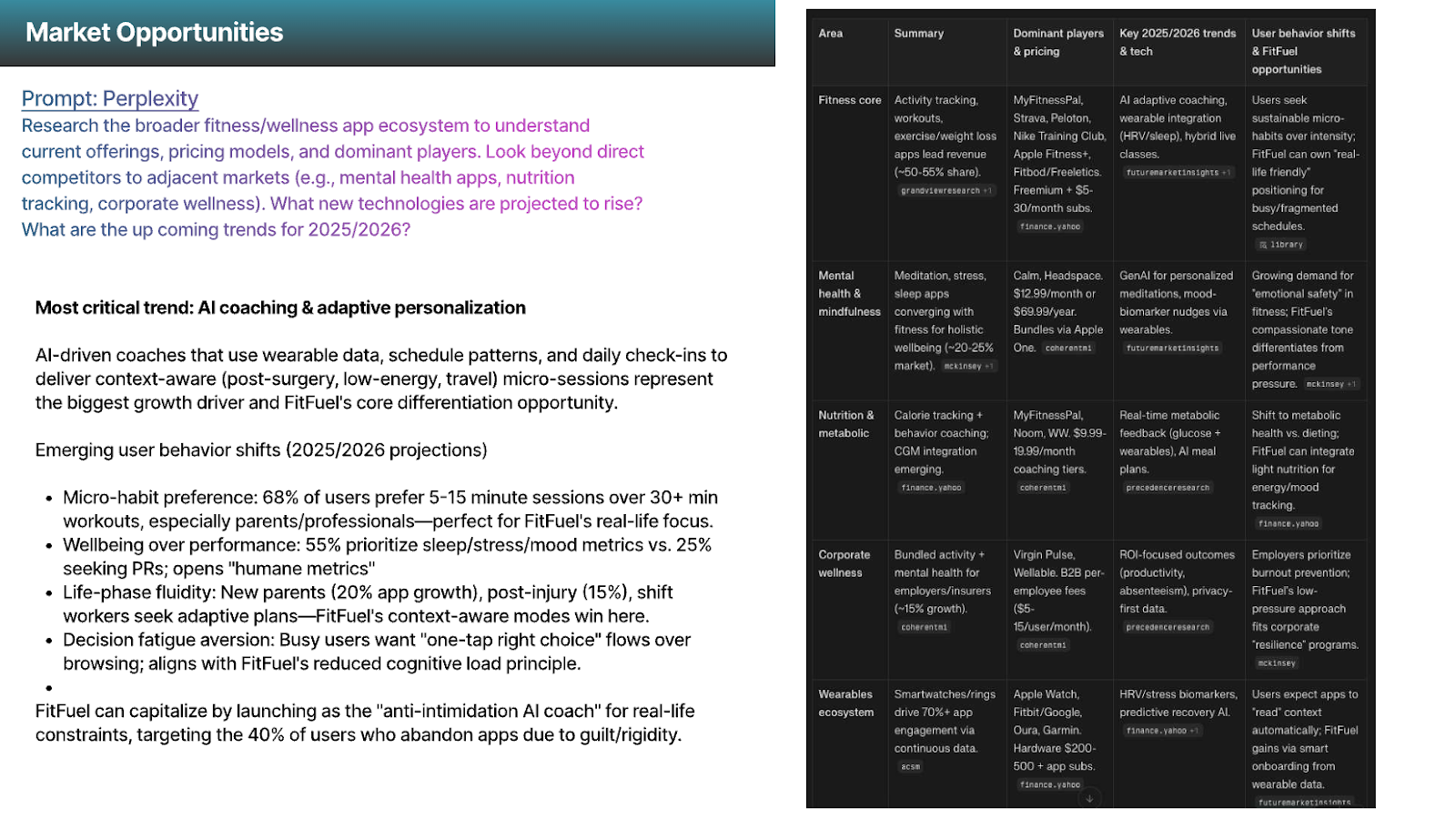
1. Faster Research & Synthesis
Working in small business banking, Aksiniya spends significant time on market research: analyzing feedback, studying competitors, and synthesizing insights.
AI dramatically reduced that cycle time. “Instead of three weeks, now it’s three minutes,” she says.
Even within her organization’s constraints, the prompting techniques she learned will help her conduct and synthesize research more quickly.
The market research [capabilities of AI] are really amazing for us. It just really collapses the time, and instead of three weeks, now it’s three minutes.
2. Rapid Prototyping
Using tools like Figma Make and AI-assisted prototyping workflows, Aksiniya learned how to quickly generate flows and concepts, something she really enjoyed.
“The rapid skills were awesome. I would spend a lot more time on it—just literally refine, refine, refine. I liked to see what it became.”
For a designer working on complex financial systems, these skills allow her to explore more possibilities and accelerate the early stages of design.
“[I can] literally make the flow that I want from the get-go.”
Even when specific tools aren’t part of her approved stack, the underlying approach—thinking in variations, flows, and rapid iteration—is changing how she approaches early-stage design.
Structured, Practical Learning
One thing that was surprising to Aksiniya was how relevant and accessible the course felt, despite AI’s rapid pace of change.
“AI moves so fast. I feel like we’re always behind,” she says. “But this course felt up-to-date.”
She credits course creator Chrissy Welsh’s live sessions for making the learning interesting and approachable.
“I really enjoyed her—her talks, and the way she explains things. She has a lot of experience—it was mind-blowing.”
Aksiniya appreciated the course’s balance of live lectures, exercises, peer sessions, and a structured final project, which supported her learning.
“ [This was my] first experience with AI, and everything made sense. It was easy for me to follow.”
She also appreciated working with her mentor, Matthew Schneider, who encouraged everyone to take their time and learn the material at the pace that worked best for them, rather than try to do too much within the four-week timeframe.
“Communication about how the course will go and what was expected of us was really great and reassuring. I never felt pressured.”
Communication about how the course will go and what was expected of us was really great and reassuring. I never felt pressured…and all our questions were answered.
Sharing AI Knowledge Within a Regulated Environment
Aksiniya has now become an informal AI advocate within her team, sharing knowledge on AI workflows with teammates.
Because the course focuses on transferable skills—prompting strategy, research workflows, prototyping acceleration—her learning applies regardless of which tools the organization uses.
“Copilot is great,” she says. “But it’s limited for what we’re trying to do. A lot of us spend time on AI tools outside of work and bring that knowledge back.”
By understanding the broader AI ecosystem, she’s better prepared for how her role and her team’s workflows will evolve over time.
Confident in AI and Ready for What Comes Next
For Aksiniya, AI for UX Design helped her quickly gain a footing in an AI-dominated design landscape.
“I always come back to [Designlab] because of the way you lay out [the courses]—it’s helpful and not overwhelming.”
Today, she continues refining prompts, testing workflows, and revisiting course materials as needed. In an industry that moves carefully when adopting new technology, she’s positioned herself ahead of the curve—grounded in skills that will transfer as tools and policies change.
Interested in exploring how AI can help your own design workflow? Explore Designlab’s AI for UX Design course and build skills that transfer across platforms, teams, and industries. Interested in multi-seat enrollments or customized trainings for your team? Set up a time to chat through your team’s specific needs.