




As a Content Designer on Google’s UX Payments team in Bangalore, India, Nikita Dhumal collaborates daily with cross-functional partners to shape clear and accessible user experiences. Much of her work, which focuses on bill payments and recharges for the Indian audience, involves brainstorming with teammates, reviewing wireframes, identifying edge cases, crafting content for multilingual users, and working directly inside Figma files to refine ideas.
To contribute more fluidly to design discussions—and to ensure her ideas could be expressed visually as well as verbally—Nikita wanted a deeper, more structured understanding of Figma.
“I didn’t want my Figma skills to be a hindrance when communicating with my team,” she explains. “Learning it properly felt important.”
That led her program manager to suggest that the team collectively take Designlab’s Advanced Figma course, where Nikita found not only clarity, but renewed confidence.
Getting Focused: What Nikita Wanted From Advanced Figma
Nikita entered the program wanting to feel empowered inside design tools—not dependent on others to execute her ideas. She came in with a few clear goals:
- Collaborate more effectively in Figma: Understand the visual structure behind the files she interacts with every day.
- Become more hands-on with design systems: Learn how components, variables, frames, and autolayout actually work.
- Express ideas visually—not just verbally: Use Figma to sketch concepts, improve workflows, and communicate solutions.
- Reduce friction in day-to-day collaboration: Stop second-guessing edits and navigate complex files with confidence.
“As a content designer, I often know the solution,” she says. “I just wanted to show it.”
Building Practical Confidence Through Structure and Repetition
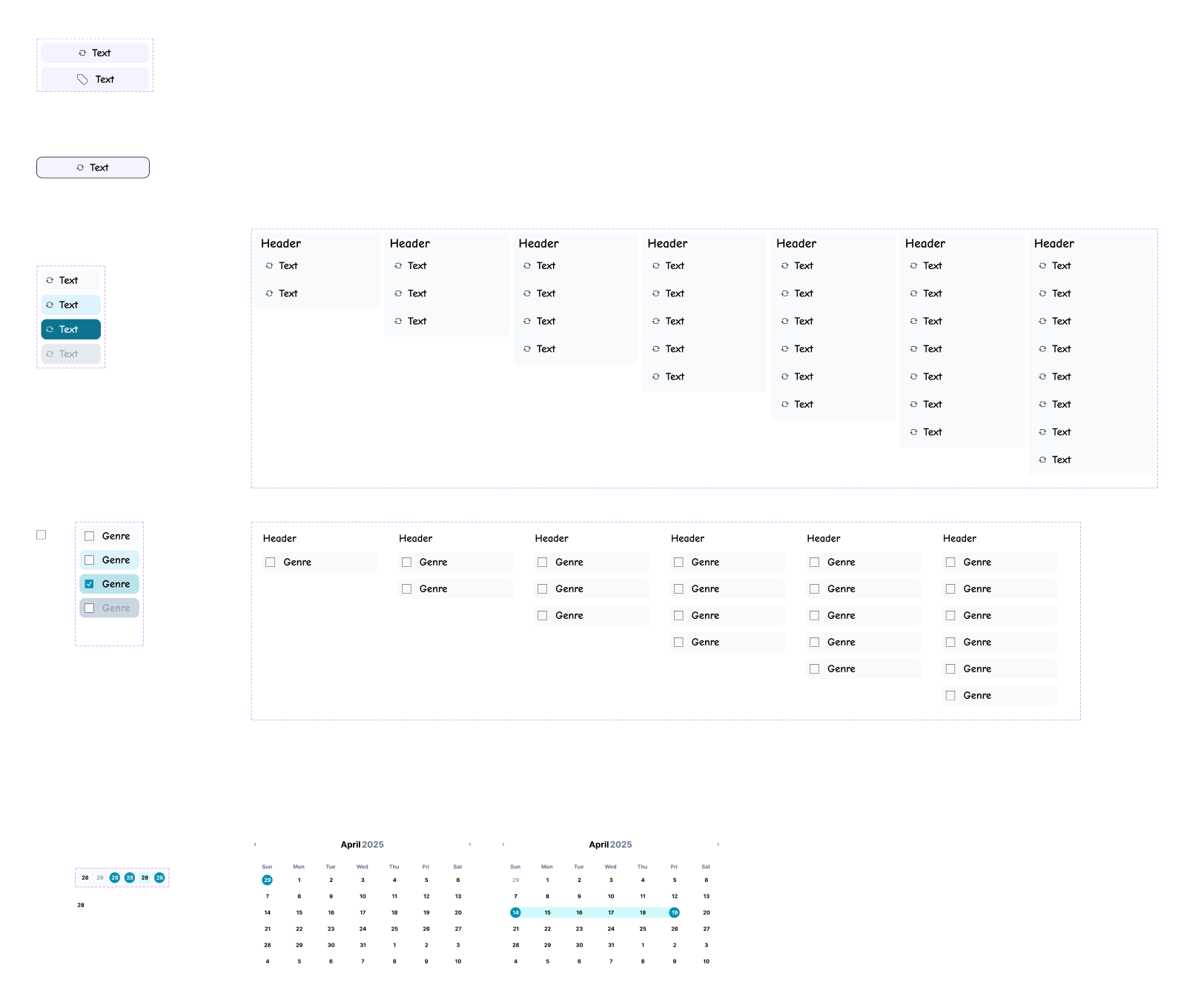
As the weekly lessons, exercises, and mentorship progressed, Nikita felt that advanced concepts in Figma were becoming intuitive rather than intimidating. Each module added a layer of understanding she could immediately apply to real projects. “The course helped me understand how everything is structured,” she shared. “Now I know exactly what I’m editing and how to make it work.”
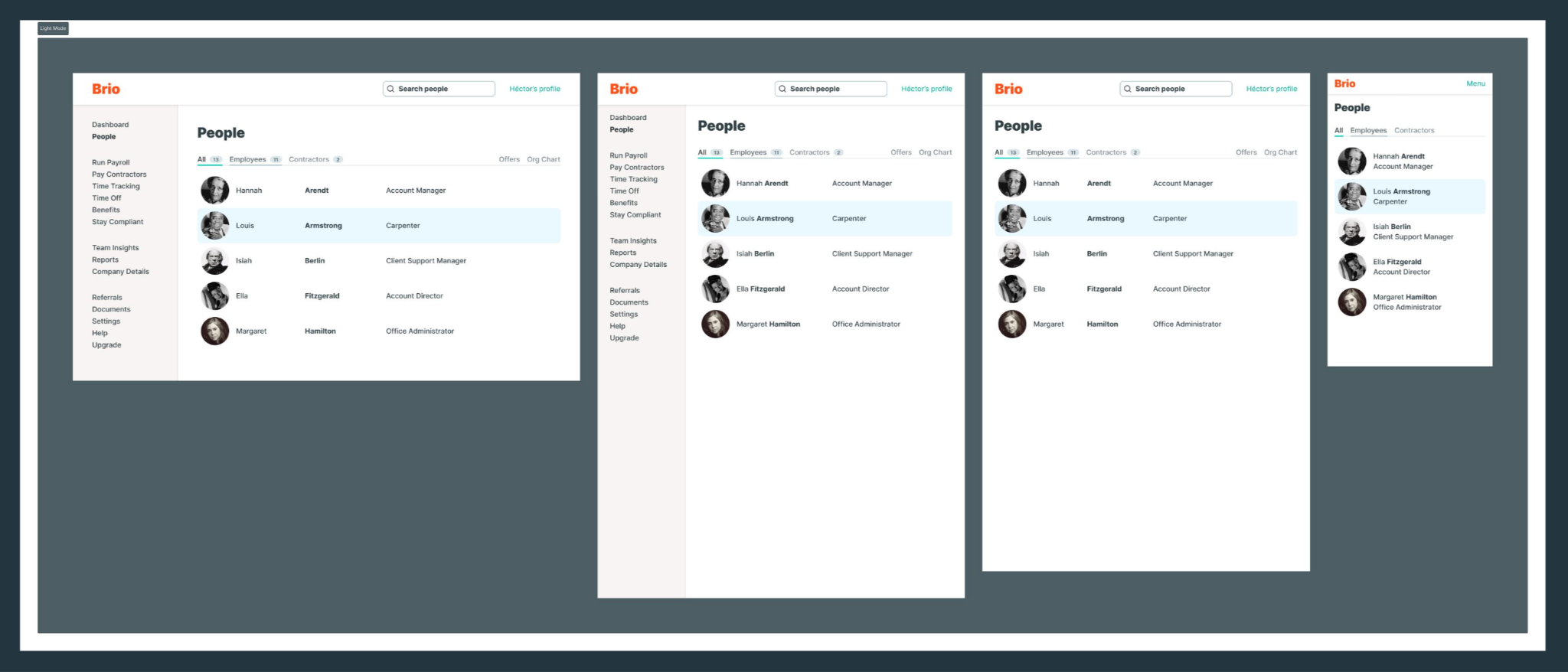
Components and variables began to feel natural, whether she was toggling states, removing buttons, or adjusting icons. Navigating complex files became clearer as she learned to interpret layers and panels with intention. She even began creating real team artifacts—like interactive celebration cards—using autolayout and variables, something that would have previously felt out of reach.
With stronger visual intuition, she now dissects designs quickly, identifies what needs to change, and communicates edits more effectively. “I can now express my ideas visually, not just verbally, " she stated about her progress. “That’s made a huge difference in how I collaborate.”
A Supportive Peer Community and Tailored Mentorship
The collaborative structure of the course also played a meaningful role in helping Nikita deepen her skills. The weekly peer session, led by her mentor Helena Bukovac, gave her space to compare approaches, ask questions, and see how other designers solved the same exercises. These insights, in turn, helped her think more flexibly and notice details she might have missed on her own.
Nikita also relied on mentorship between sessions, submitting questions directly through her Figma projects and receiving targeted explanations tailored to her workflow. “Even simple questions were welcomed,” she says. “The feedback helped me focus on the areas I needed to grow.” The combination of real-time guidance and asynchronous support helped her build clarity and momentum throughout the course.
Rediscovering Confidence in Design Collaboration
By the time the course wrapped, Nikita felt a real shift in her day-to-day work. Figma files that once felt confusing now made sense, and sharing visual ideas no longer felt out of reach. She’s especially excited to start integrating more complex concepts into her everyday workflow—something she now feels more prepared to take on: “I’m looking forward to designing components tailored to content needs—ones that can scale to other use cases too.”
In the end, the program strengthened her foundation, improved her collaboration, and gave her the confidence to contribute more strategically within her design team.


.webp)



.webp)


